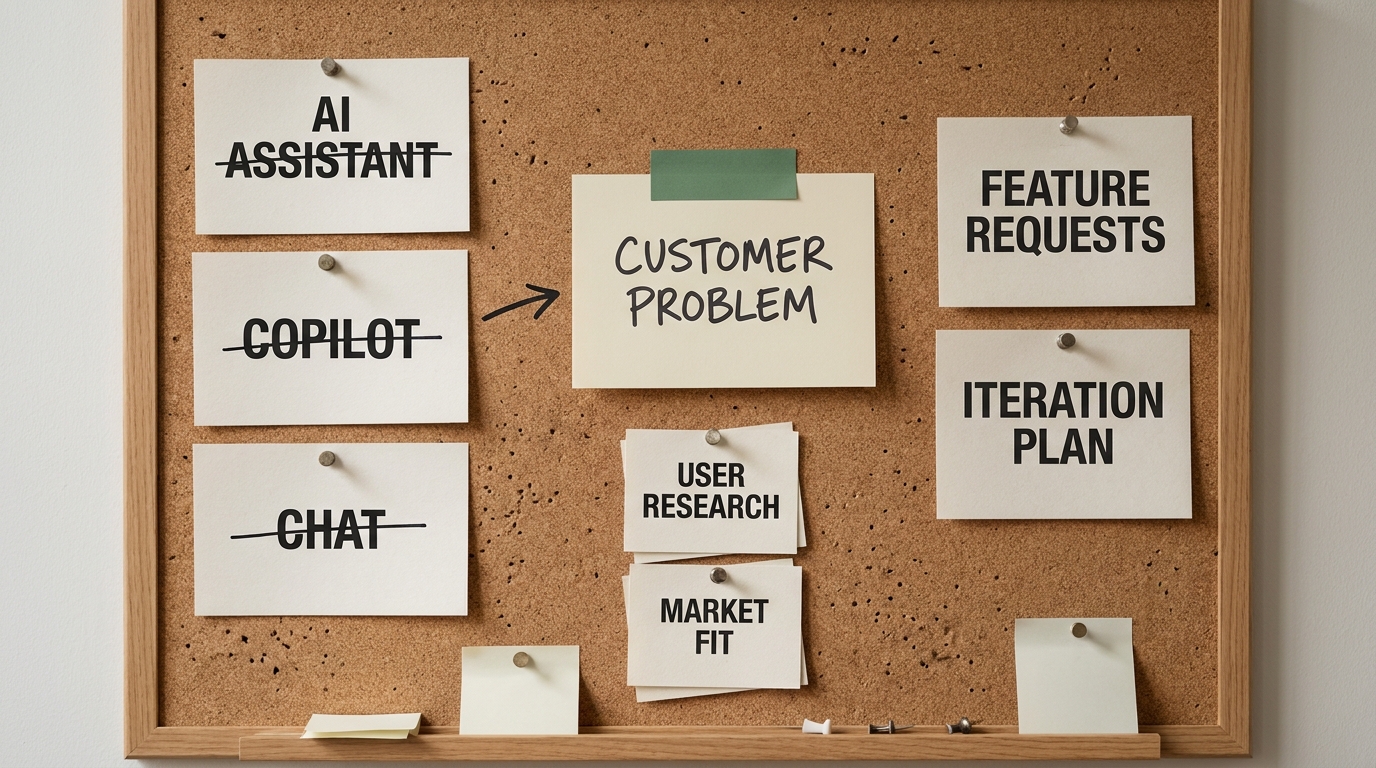
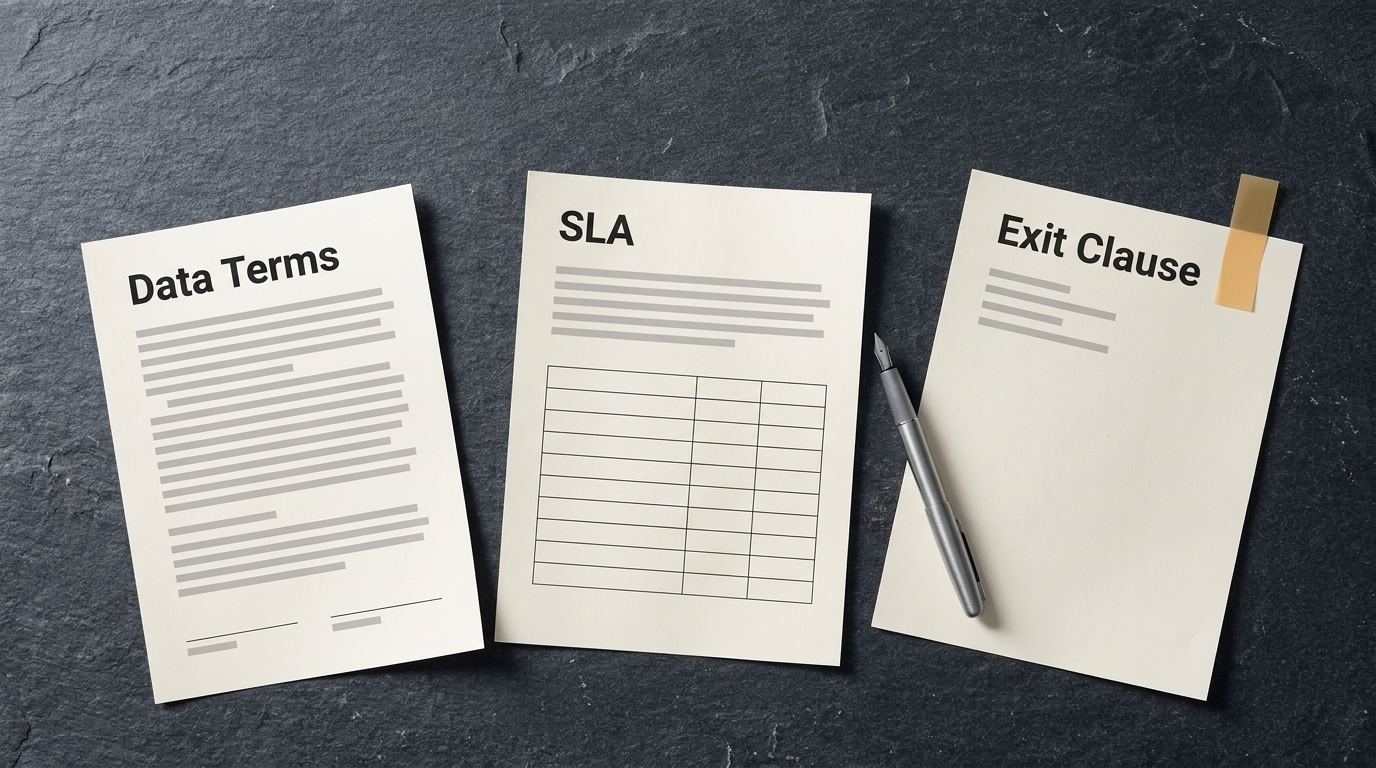
A benchmark leaderboard goes stale with the next model release. The agreement a company signs with OpenAI, Anthropic or Google runs for years. Yet the leaderboard usually decides the agreement, which gets the order of the decision exactly backwards.
When a company compares OpenAI vs Anthropic vs Google, the model is the part most likely to change during the contract. The parts that stay, and that you will live with long after this quarter's rankings move, are the cloud you route traffic through, the data terms your legal team negotiated, the support channel you call when production slows down, and the cost of leaving. This article compares the three providers on those parts, and ends with ten questions to answer before you sign. Comparing models for one specific task is a different job (our guide on choosing between GPT, Claude, Gemini and open source covers it), so this piece leaves benchmarks alone.
Start With the Stack You Already Run
For most companies, the provider decision is half made before anyone opens a benchmark. It follows the productivity suite and the cloud you already pay for.
- Microsoft 365 and Azure shops usually reach OpenAI models through Azure OpenAI, now part of Microsoft Foundry (Microsoft, 2025), and meet them again in Microsoft 365 Copilot. Identity, networking, billing and compliance stay inside the Azure agreement you already have.
- Google Workspace and Google Cloud shops get Gemini inside Workspace apps and through Vertex AI. Google Workspace business and enterprise plans now include Gemini features as part of the subscription (Google, 2025).
- AWS shops most often reach Anthropic's Claude through Amazon Bedrock, inside the AWS account, IAM policies and regions they already govern.
These are starting points. They are not verdicts, because one model can be bought through several channels. Claude is sold directly by Anthropic, through Amazon Bedrock, Google Cloud's Vertex AI and Microsoft Foundry (Anthropic, 2025). Gemini is available directly through Google AI Studio and through Vertex AI. Each route has its own contract, its own data processing terms and its own bill. For a buyer, choosing the route matters as much as choosing the model. Pick the vendor relationship first, and the model choice gets much smaller. We'd go further: for a mid-market company, the buying route is often the bigger decision of the two.
How We Compared the Three Providers
We judged the providers the way a CIO and a procurement lead would. Benchmark scores didn't count. Six criteria did:
- Use-case fit: whether the provider's products match the workloads you plan to run first, from employee assistants to customer-facing features.
- Data privacy and retention terms: what happens to your prompts and outputs, and which settings are default and which you have to request.
- Pricing model: seats, API consumption or drawdown against an existing cloud commitment.
- Ecosystem integration: how well it plugs into your suite, your identity provider and your cloud.
- Reliability, rate limits and support: where your SLA comes from and who answers when something breaks.
- Long-term vendor strategy and exit cost: where the company is heading and what it would cost you to leave.
We based the comparison on each provider's public enterprise and trust documentation. Contract terms change often and vary by tier, so use every row below as the start of your own review.
OpenAI, Anthropic and Google Side by Side
| Criterion | OpenAI | Anthropic | |
|---|---|---|---|
| Main enterprise buying routes | Direct (API, ChatGPT Enterprise), Azure OpenAI | Direct (API, Claude for Enterprise), Amazon Bedrock, Google Vertex AI, Microsoft Foundry | Gemini in Workspace, Vertex AI, Gemini API |
| Natural stack fit | Microsoft 365, Azure | AWS, multi-cloud | Google Workspace, Google Cloud |
| Training on business data | Not by default for API and enterprise products | Not by default for commercial products | Not by default for Workspace and Google Cloud customers |
| Retention controls | Abuse-monitoring logs by default, zero data retention for eligible customers on request | 30-day retention required on its most advanced models (Anthropic, 2026), zero data retention by agreement on others | Governed by Google Cloud data terms and residency controls |
| Pricing models | Seats, API usage, Azure consumption | Seats, API usage, cloud marketplace consumption | Workspace subscription, Vertex AI consumption |
| Where the SLA usually comes from | Azure for Azure OpenAI, enterprise agreement for direct | AWS or Google Cloud for marketplace routes, enterprise agreement for direct | Google Cloud and Workspace service terms |
| Main lock-in surfaces | Assistants and agent tooling, Copilot workflows, fine-tunes | Prompt tuning, tool-use patterns, enterprise app workflows | Workspace-embedded workflows, Vertex AI pipelines |
| Strategy in one line | Full-stack platform with consumer reach and a deep Microsoft partnership | Model company focused on enterprise and developers, distributed through the big clouds | Integrated cloud, productivity suite and in-house chips |
No column wins every row, and that is the useful finding. OpenAI has the widest consumer footprint and the deepest Microsoft integration. Anthropic is the easiest of the three to buy through more than one cloud. Google bundles AI into software many companies already license. Which of those matters most depends on the stack you run and the workloads you start with.
Data Terms Decide More Than Model Quality
Picture the biggest data risk most companies face. It sits outside the API contract entirely: an employee pasting customer data into a free consumer chatbot this afternoon. Consumer apps and business products from all three providers sit under separate terms, and only the business tiers carry commitments like "no training on your data by default."

So the first data decision is about channels: move AI use onto a business tier that you control and can log, and write that rule into your AI use policy so the business tier is the only approved channel. The second is about the fine print of that tier:
- Training: confirm in writing that your prompts, files and outputs are excluded from model training, and whether that holds for every product you will use or only for the API.
- Retention: most API products keep logs for a limited period for abuse monitoring. Zero data retention is usually available only to eligible customers who ask for it, and often covers some endpoints but not others.
- Residency: if your data has to stay in a region, the cloud routes (Azure, Vertex AI, Bedrock) usually give you more regional control than the providers' direct APIs.
- Regulated data: if you handle health data in the US, check whether a Business Associate Agreement (BAA) is available for the exact product and endpoint you plan to use.
If you buy through a cloud marketplace, the cloud provider's data processing terms apply as well, which often means your existing data processing agreement (DPA) already covers much of the review. That is a real procurement shortcut, and it's one reason the stack you already run counts for so much.
Pricing, Reliability and Support Beyond the Token Price
Per-token prices tell you very little about a three-year bill . The pricing model matters more than the rate card, and it is where most budget surprises start.
Seats versus consumption. Assistant products are sold per user. Microsoft 365 Copilot launched at $30 per user per month (Microsoft, 2023). API usage is billed by volume. Cloud marketplace usage can draw down a commitment you have already made to Microsoft, Google or AWS, which changes the budget conversation. Many companies end up paying in more than one of these ways. Model the mix.
Cost per result beats cost per token. A cheaper model that needs two retries and a human review costs more than a pricier one that gets the answer right the first time. Ask each provider's team to price a real workload . A sample prompt proves nothing.
Rate limits and capacity. Throughput limits rise with spend tier, and new model launches can tighten capacity for a while. If a workload is customer-facing, ask about provisioned or reserved throughput and what happens to your traffic during demand spikes.
SLAs and support. Uptime commitments and named support contacts tend to come through enterprise agreements or the cloud platforms. Self-serve API accounts rarely get them. Find out who you will be calling at 2 a.m. and what they are contractually obliged to do (a status page is not an answer).
Lock-In and Exit Cost Hide in Your Own Code
Lock-in rarely comes from the contract. It builds up in what your teams build on top of a provider, one convenient shortcut at a time:
- prompts and evaluation sets tuned to one model's behavior
- provider-specific agent frameworks, tools and stored conversation state
- fine-tuned models that cannot be moved
- embeddings and vector indexes generated by one provider's model
- daily work that runs inside a bundled assistant in Microsoft 365 or Google Workspace
Model retirement adds a second exit cost you pay even if you never switch. All three providers retire older models on a published schedule, and every forced migration means re-testing prompts and workflows. Ask how much notice you get and whether pinned versions are available for production.
Contract clauses lower the cost of leaving, so negotiate them while you still like the vendor. Nobody gets good exit terms in the middle of a dispute. The ones that matter most: no exclusivity, price protection across renewals, a minimum notice period before model deprecations, and data export and deletion on termination.
How to Keep a Multi-Provider Option Open
Keeping a second provider ready is insurance, and like any insurance it has a premium worth pricing honestly. A second vendor means a second security review, a second contract and a second set of skills to maintain. For most mid-market companies the right setup is one primary provider plus one qualified fallback, and if you already pay for several AI vendors, the same rule tells you which ones to consolidate. Spreading work evenly across all three sounds safe and mostly buys overhead.
What keeps the fallback real:
- An abstraction layer. Route model calls through a gateway or internal service rather than wiring a provider SDK into every application.
- Provider-neutral evaluations. Keep a test set for each important workload that you can run against any model, so switching becomes a measured decision.
- Your own data layer. Keep source documents and retrieval pipelines under your control, and budget for re-embedding if you change providers.
- A periodic drill. Run one production workload on the fallback provider once or twice a year to prove it still works.
Mapping your stack, data classes and first workloads to a provider decision is usually a one-week job if the right people are in the room (IT, security, legal and whoever owns the budget). That is the purpose of our Discovery Sprint: a one-week engagement that ends with a provider recommendation, the contract questions to take to negotiation and a roadmap for the first workloads. Book a Discovery Sprint .
A Decision Checklist for Your AI Provider Choice
Work through these before you sign:
- Which productivity suite and cloud do we already pay for, and what AI is already included?
- Which two or three workloads come first, and are they internal or customer-facing?
- Which classes of data will reach the model, and which must never reach it?
- Do the business-tier terms cover training, retention, residency and, where needed, a BAA, for every product we plan to use?
- Are we buying direct or through a cloud marketplace, and which data agreement applies?
- Where does our SLA come from, and who do we call when production breaks?
- What is our estimated cost per accepted result for the first workload?
- What would it cost to switch providers in 12 months, and is a fallback qualified?
- What notice do we get before a model we depend on is retired?
- Who inside the company owns this vendor relationship?
There's no best AI model, only the best fit for your business. If you can answer these ten questions, the right fit for your company is usually clear, and you will be signing a vendor relationship you understand rather than backing whichever model topped last quarter's leaderboard.