A faster rep is not the same as a prepared one
The sales team lived in back-to-back meetings. The CRM had data, but the workflow had no way to surface it before a call. Research didn't happen — not because it wasn't worth doing, but because there was no time. Follow-ups were treated as a luxury. The CRM drifted.
None of this showed up as a quarterly disaster. It showed up as drift. The gap between what reps did with prospects and what the CRM said had happened widened over time.
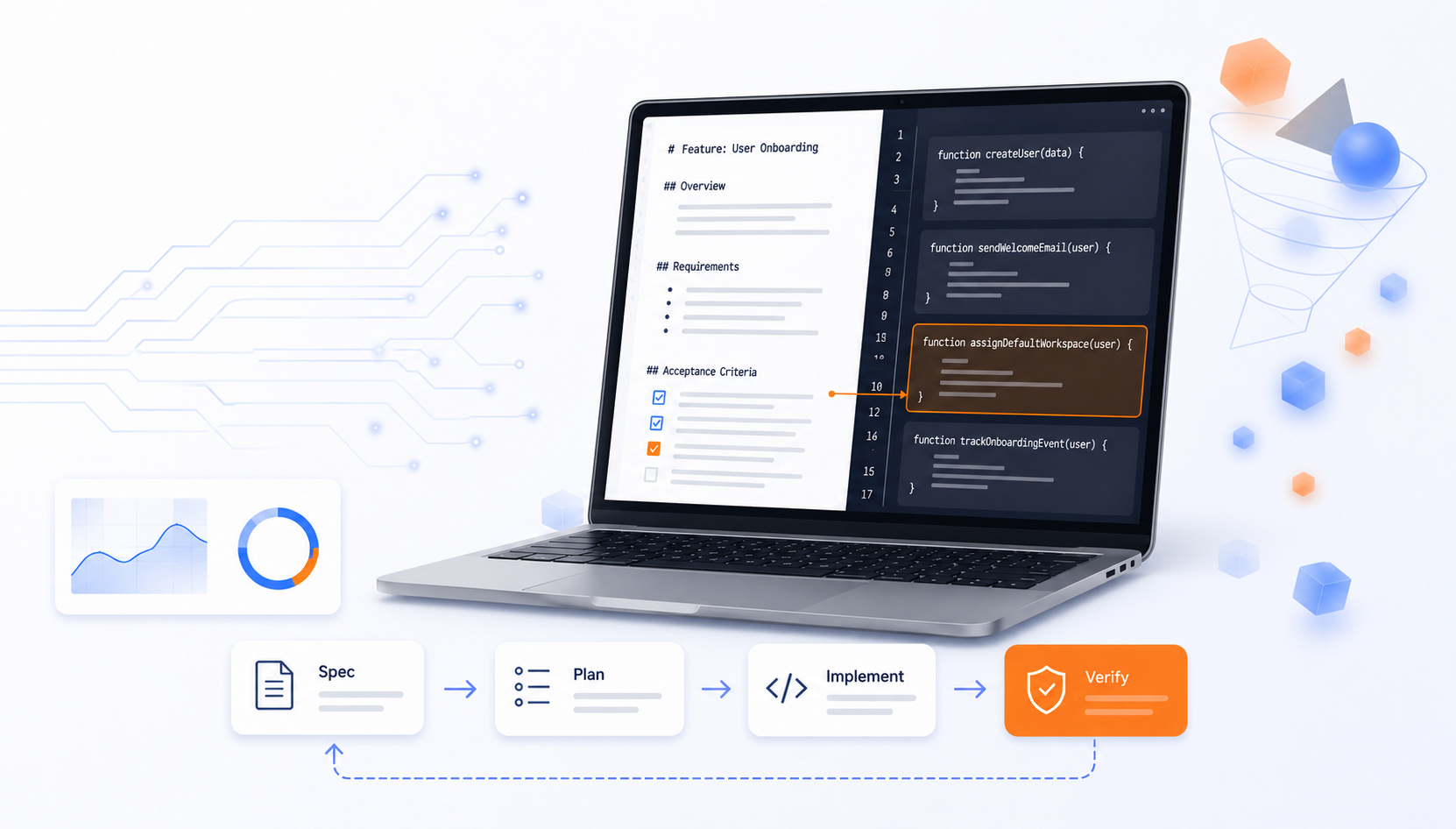
So we didn't add an AI tool to the existing tasks. We redesigned the workflow around what AI is actually good at — enrich, brief, summarize, sync, draft — and measured what changed.
- Reps arrived at calls unprepared. Back-to-back scheduling left no room to research; reps asked prospects questions they could have answered themselves. Now an auto-generated pre-call brief drops prep from ~1 hour to ~10 minutes.
- Lead routing was mechanical. Complex deals landed with transaction-focused reps regardless of fit, and conversion suffered. Now enrichment surfaces deal-complexity signals so the right rep takes first contact.
- Follow-up emails were inconsistent. Treated as "a luxury," they often meant prospects heard nothing after a meeting. Now a drafted follow-up with action items drops post-call work from ~45 to ~15 minutes.
- CRM data degraded silently. Pipeline reviews surfaced wrong-status leads, and someone had to chase what actually happened. Now summaries deposit automatically — every interaction is an audit trail in Dynamics 365.
What changed in the business
The point was never the Teams tab — it was a measurable operational change. Here's the one we shipped, mapped to the levers that matter.
- Cycle time. Pre-call prep ~1 hour → ~10 minutes; post-call follow-up ~45 minutes → ~15 minutes.
- Team capacity. Reclaimed time went into more prospect-facing work, not idle time.
- Quality & consistency. Follow-ups now go out reliably; CRM accuracy no longer depends on rep discipline surviving a packed week.
- Control. Leadership now has visibility into pipeline activity, rep follow-through, and deal velocity it couldn't see before.
In its first months in production the system processed 1,143 meeting analyses across 13,353 meetings tracked on the team's calendar. Reps arrive prepared. Follow-up emails go out consistently. CRM records update without manual data entry.
The result, in the team's own words
The quotes below come from the company's CEO and members of the sales team, collected through structured feedback sessions and ongoing usage. They are reported as direct usage experience, not projections.
Pre-call prep is now augmentation, not just time saved. Reps weren't doing pre-call research before — back-to-back scheduling didn't leave room.
"It's not time savings — it's an augmentation and an enhancement of their preparedness, because they don't have the time to go in and do that, or they don't have the habit." — the company's CEO
The meeting summary became the most-used feature.
"The meeting summary piece, which was what started this whole thing — I think everybody is extremely dependent on that. It saves colleagues a significant amount of time, and it saves me a significant amount of time. I review it almost every call." — the company's CEO
The follow-up email became an accountability tool.
"I can't tell you how important it is for that follow-up email to have been sent because it is the anchor point and, candidly, the accountability tool. We had a 30-minute meeting, your time's valuable, my time's valuable, and we came from that with some action items. Let's make sure that 30 minutes isn't wasted by following up on the things we all agreed we would do." — the company's CEO
The CRM became a breadcrumb trail.
"All the while, because that data is being deposited into the CRM record, we have a breadcrumb trail of what's been said at a very detailed level, as well as what was communicated to the prospect after the meeting — to show evidence that we didn't just meet and then ghost them, we actually are engaging." — the company's CEO
From a senior account executive on the solution-selling team:
"Just relishing in the outstanding context our new capability is providing me. I love it and I look forward to it every morning."
A transaction-focused rep handling high lead volume gave us written feedback: auto-populated meeting notes and contact suggestions cut manual data entry. "Instead of spending time manually updating multiple CRM fields after each call, the AI populates key information automatically."
What the system does
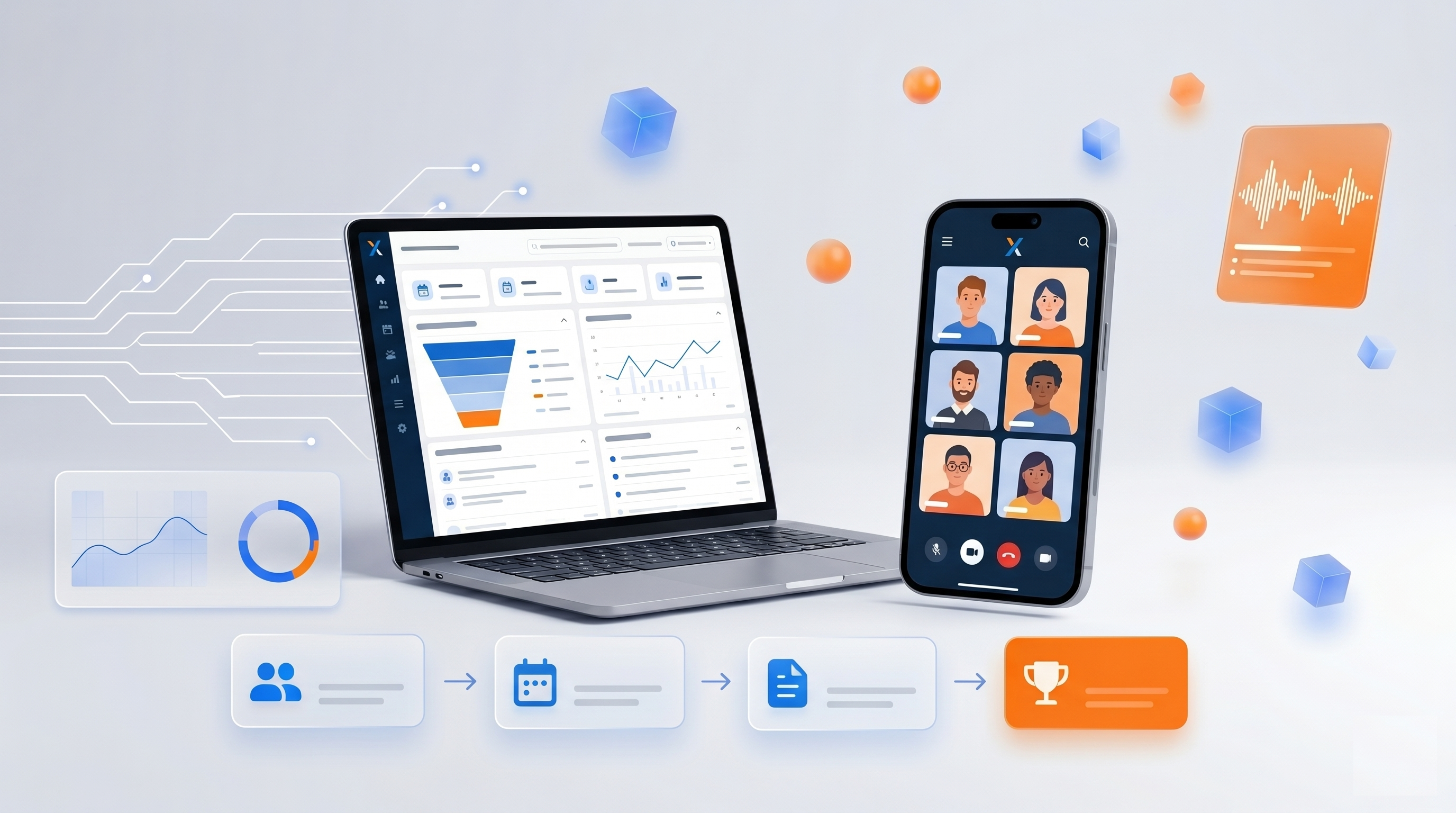
The app automates five stages of the sales workflow, end to end, inside Microsoft Teams.
Lead enrichment and routing. New leads are enriched with company research (industry, employee count, business model, website data) and appended to the CRM. The enriched data surfaces deal-complexity signals that decide whether a transaction-focused rep or a solution seller takes first contact.
Pre-call briefing. Before each scheduled meeting, the system assembles a briefing from configurable sources — web search, the rep's email history with participants (up to the last 50 messages), and CRM timeline notes. Reps confirm context instead of discovering it.
Meeting analysis and CRM sync. Once a transcript is available, the system generates a structured summary — discussion points, participant analysis, sentiment, decisions, action items, next steps — and lands it on the Dynamics 365 record. It also flags meeting participants who aren't in the CRM yet as suggested new contacts.
Follow-up email generation. From the transcript, the system drafts a follow-up with action items. For a single touchpoint, it lands as a draft in the rep's Outlook. For longer nurture cadences, it writes a sequence (2–3 emails for a short cycle, up to 4 spaced over ~4 months for a complex one), each with a calendar reminder. Nothing auto-sends — the rep reviews and approves every outreach.
Conversational CRM agent. Reps query Dynamics 365 in natural language. The agent builds a plan, calls CRM tools to retrieve real data, checks whether the answer is complete, then responds — which keeps it anchored to retrieved data rather than guessing.
Under the hood
For anyone wondering whether this is real engineering or a demo: it's a production system, not a prototype. It runs as a set of services behind a Microsoft Teams tab, with live two-way integration to Dynamics 365 and the rest of Microsoft 365, single sign-on, and background calendar syncing that keeps working whether or not the rep is online.
The analysis itself runs as a pipeline — identify who spoke, match them to CRM records, pull in company context, extract the fields that matter, and generate the summary — with results streaming to the screen as each step finishes, so reps see output in seconds instead of waiting for a full run. Running costs are modest at this scale; a larger multi-tenant deployment would cost more, which we'd scope per engagement rather than guess at here.
How we built it — and why that's repeatable
Six calendar weeks. A six-person team. ~580 hours total, with one primary AI developer carrying roughly 60% of the code-effort.
- Project kickoff: October 2025
- Production launch: November 2025
- AI developer (primary): ~350 hours
- BA / PM: ~65 hours
- QA + additional development: ~165 hours
- Total: ~580 hours
We built it with Cursor and Claude Code as primary coding tools — our delivery team uses AI to build AI. That is why a six-person team produced a multi-service application with live CRM and Microsoft 365 integration in six weeks. AI coding assistants don't replace engineering judgment; they let an experienced team move at a pace that wasn't on the table a year ago. The point of saying so is not the method — it's that the result above is reproducible, not a one-off.
The same shape works beyond sales
The five-stage redesign — enrich, brief, summarize, sync to system-of-record, draft follow-up — is not sales-only. It maps onto any function where a knowledge worker handles back-to-back external interactions against context that lives in a system of record.
- Customer support — brief from ticket history, auto-summary into the CRM, drafted resolution email. Same shape, different system of record.
- Finance and procurement — vendor-call briefing from contract history, enriched invoice-approval routing, drafted approval-and-justification email.
- HR and recruitment — interview prep brief, structured debrief into the ATS, drafted candidate communication.
The architecture changes per function. The discipline doesn't: not adding AI tools to existing tasks, but redesigning the task around what AI is good at — and moving a metric.
The result we'd aim for in your operation
If your reps are walking into calls cold and your CRM is drifting, the result is the one above: prep measured in minutes, follow-up that actually goes out, a pipeline you can see.
A Pulse Check is where we'd start — free, 30 minutes, no deck. We'll tell you honestly whether this result is reachable for your team and what we'd measure to prove it.