Month eleven, and the renewal quote for the company's AI seats is on the COO's desk. Every seat is assigned. The admin dashboard shows a tall spike of logins in the first two weeks, then a long flat line. Someone from finance asks the only question that matters: what is different about the work now? Nobody in the room has an answer.
That meeting is happening in a lot of mid-market companies right now, and the tool is rarely the problem. The licenses did exactly what licenses do, which is grant access. What never happened was the part that changes the work: somebody sitting down with each team and teaching them to use the tool on the deliverables they produce every week.
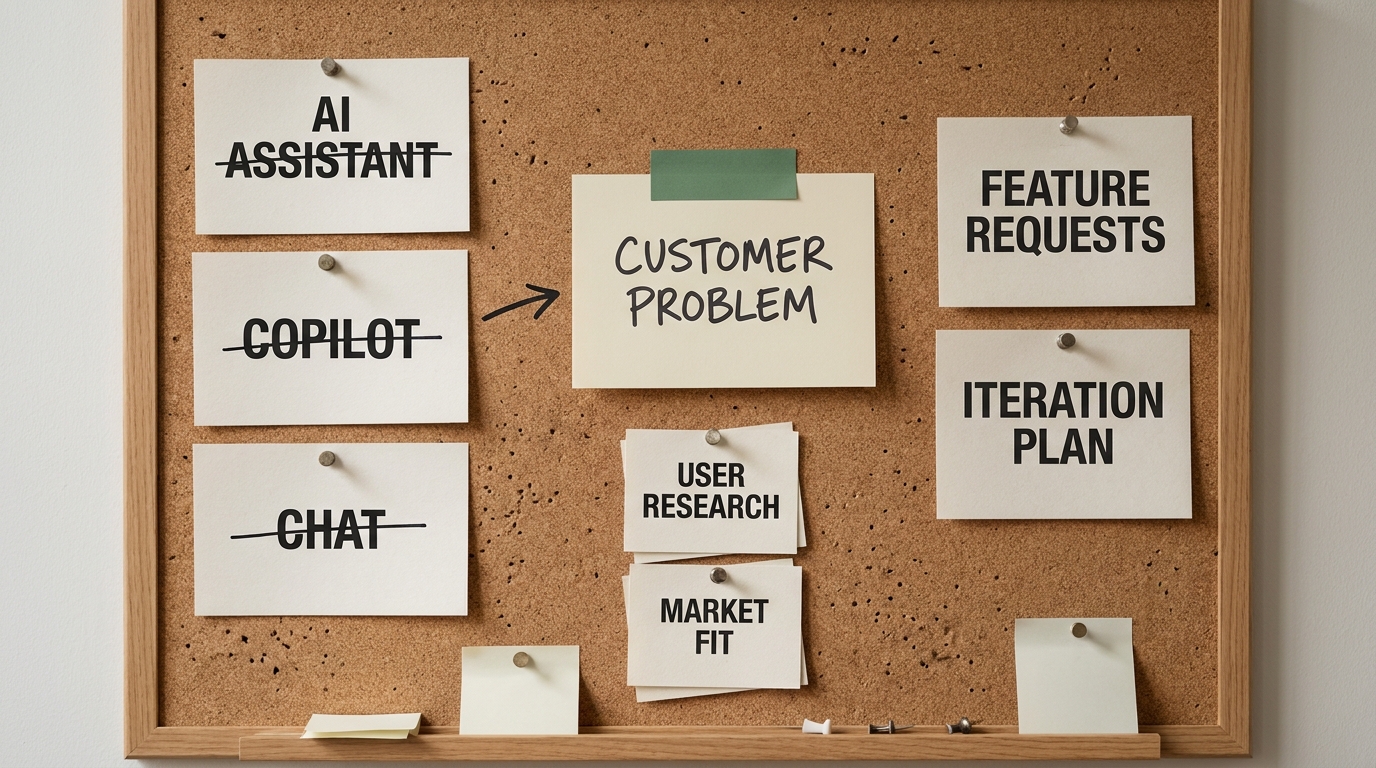
A license is a tool rollout. The boost comes from capability building.
This article is about that missing part. It lays out why AI training for employees matters more than the seat count, why untrained use stays shallow, and how to run a practical AI enablement program that a COO and a Head of People can start next month.
What an AI license buys, and what it doesn't
A license buys access to a capable model inside your security perimeter. It does not buy judgment about which tasks to hand over, how much context to give, or how to check what comes back. Those are skills, and skills have to be taught.
It helps to separate two activities that usually get bundled under the word "rollout."
Tool rollout is the procurement and IT work:
- Buy the seats and configure single sign-on
- Publish an acceptable-use policy
- Send the launch announcement and run one webinar
- Track logins and active users
Capability building is the teaching work:
- Pick the recurring workflows in each role where AI should change the output
- Teach people on those workflows, with their own material
- Collect what works into a shared playbook
- Give each team a champion who keeps the habit alive
- Check whether the deliverables themselves changed
Most companies do the first list well and skip most of the second. That is not a criticism of IT. Tool rollout has an owner and a finish date. Capability building usually has none of those, so it becomes nobody's job, and the dashboard flattens.
An AI enablement program is the structured version of that second list: role-based training on real work, shared examples, peer champions, and a way to see whether the work changed. It treats AI skill as an operating capability you build team by team, not a feature you switch on.
Why untrained AI use stays shallow
When people get a new tool and no teaching, they map it onto a habit they already have. For most knowledge workers, the nearest habit is a search engine. So the tool becomes a slightly smarter search box, and it stays there.
You can see four patterns in almost any team that was given licenses without training.
Chat-as-search. People ask factual questions they would otherwise type into Google: what a regulation says, how to write a formula, what a term means. Useful, but it barely touches their actual deliverables.
Copy-paste output. Someone asks for a draft, gets a generic one, and pastes it into a client email or a slide with light edits. The result reads like everyone else's AI output, and colleagues learn to distrust it.
One-shot prompting. A single short request, no background, no examples of what good looks like, no second round. The model is guessing at the job, so the answer is average, and the person concludes the tool is average.
No review habit. Output is either trusted wholesale or dismissed wholesale. Nobody was shown how to check a draft against the source, ask the model to critique its own answer, or decide which parts need a human.
None of these patterns come from laziness. They come from people learning the tool on toy tasks, if they learned it at all, and never connecting it to the work that fills their week. The tool never meets the real job, so the real job never changes.
The training gap is well documented. Microsoft's 2024 Work Trend Index found that among people already using AI at work, only 39% had received AI training from their company. McKinsey's 2025 "Superagency in the workplace" report found that just 1% of executives describe their company's generative AI rollout as mature. Access is widespread. Teaching is not.
Before you train anyone: pick the workflows
The most common mistake in employee AI training is starting from the tool's feature list. Prompting tips, a tour of the interface, ten things the model can do. People nod along and go back to their desks with nothing to apply.
Start from the work instead. Before the first session, put these prerequisites in place.
- An approved tool list and a one-page usage policy. People need to know which tools are sanctioned and what data can go into them. Give the policy a named owner, so it gets updated when the tools change instead of going stale after launch. If the policy is vague, careful employees avoid real work entirely, and careless ones paste in anything.
- A named executive sponsor. Usually the COO or a business-unit head, not only L&D. The sponsor makes it clear that this is about how the work gets done, not an optional course.
- Two or three recurring workflows per role. Identify them with the people who do the work. Good candidates are frequent, text-heavy, and currently slow: proposal drafts, call summaries, month-end variance commentary, job descriptions, test cases, pull-request descriptions.
- A baseline for those workflows. Write down how long each deliverable takes today and what "good" looks like, so you can tell later whether anything changed.
This step usually takes a week or two (longer if nobody has written down what the current deliverables look like). It is the difference between a training program and a training event, and it is the step most rollouts skip.
How to run the AI enablement program, step by step
Once the workflows are chosen, the program itself is a repeatable loop. These are the steps to train employees to use AI so the habit sticks.
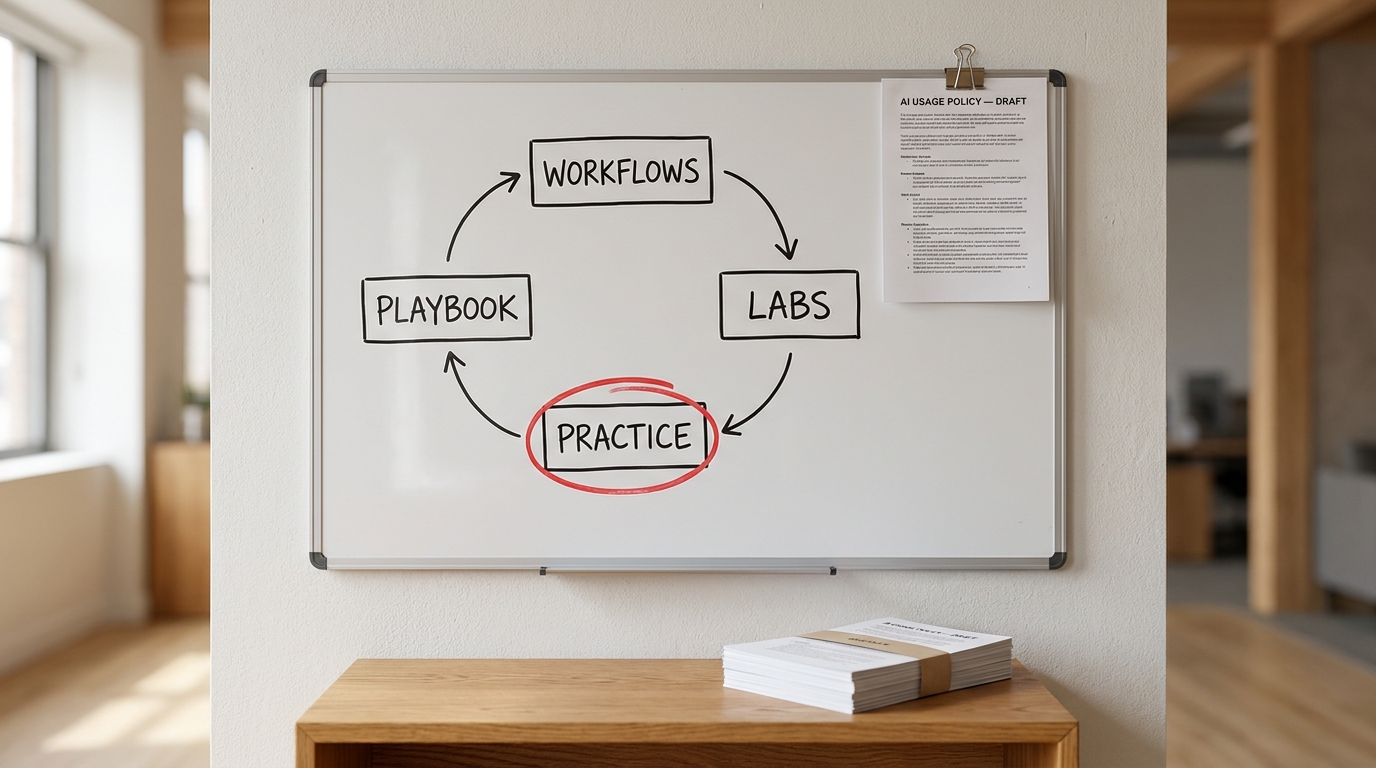
- Map each team's weekly deliverables. For every team in the first wave, list the outputs that eat the most time and the inputs that feed them. This becomes the curriculum. A sales team's list looks nothing like a finance team's, which is exactly the point.
- Run short, role-based labs on those deliverables. Sixty to ninety minutes, one role at a time, not a company-wide lecture. Each lab works through one real deliverable end to end: what context to give the model, how to structure the request, how to iterate, and how to review the result. Every participant leaves having done the task once with the tool.
- Assign practice on real tasks, with policy-cleared material. Toy exercises do not transfer. Give each person a two-week practice assignment on their own work, such as drafting three real client follow-ups or writing the next sprint's test cases with the assistant. Practice is where the habit forms.
- Build a shared playbook library. For each role, collect the examples that worked: the request, the context provided, a before-and-after of the output, and the checklist used to review it. Keep it in a place people already open every day. A living library of real examples teaches faster than any slide deck, because colleagues trust what a peer used on real work (far more than they trust a vendor's sample prompts).
- Name a champion in every team. One person per team with protected time, a few hours a week, to run office hours, collect new examples for the library, and help colleagues who are stuck. Champions should be peers who do the work, not IT staff. People ask a colleague questions they would never put in a ticket.
- Hold a weekly show-and-tell. Fifteen to thirty minutes where someone shows a deliverable that changed and walks through how they did it. This is the mechanism that spreads good habits beyond the few people who would have figured it out on their own.
- Turn individual habits into workflow changes. When a role has a reliable pattern, change the workflow itself: update the template, the handoff, and the review step so the AI-assisted version is the standard way the work gets done. This is the step that moves the gain from one person's skill to the team's process.
A rough rhythm for the first wave:
- Days 1-14: prerequisites, workflow selection, baselines, champions named
- Days 15-45: role labs plus practice assignments, playbook library seeded
- Days 46-90: weekly show-and-tell, first workflow changes, second wave of teams starts
What role-based training looks like in practice
The examples below are illustrative, not client results. They show the gap between untrained and trained use of the same tool on the same job.
Sales and account management. Untrained, a rep asks the assistant to "write a follow-up email" and gets a polite, generic note. Trained, the rep pastes the call notes, the client's stated priorities, and the last proposal, asks for a follow-up that confirms next steps in the client's own language, then asks the model to flag anything in the draft the notes do not support. The email is specific, and the rep spends their time on judgment instead of typing.
Finance and operations. Untrained, an analyst asks the tool to explain a spreadsheet formula. Trained, the analyst gives it the month's variance table and last month's commentary, asks for a first draft of the variance narrative in the house format, and checks each figure against the source. The draft arrives faster, and the review step is explicit rather than assumed.
People and HR. Untrained, a recruiter asks for "a job description for a product manager." Trained, the recruiter supplies the hiring manager's intake notes, the team's real responsibilities, and two past postings that attracted strong candidates, then asks for a draft plus a list of claims that need the manager's confirmation.
Engineering. Untrained, a developer pastes a function and accepts whatever comes back. Trained, the developer gives the assistant the spec, the relevant interfaces, and the team's conventions, asks for tests first, and reviews the generated code with the same scrutiny as a junior colleague's pull request.
The pattern is identical across roles. Trained use gives the model the context a new colleague would need, iterates instead of accepting the first answer, and builds a review step into the work. Notice that none of it depends on a better tool. It depends on someone having been shown how.
The engineering manager's version of enablement
Engineers usually get AI licenses first and are assumed to "just get it." Some do. Many end up in the same shallow patterns as everyone else, only with code, which makes the cost of skipped review higher.
Enablement for engineering teams should cover a few specific skills:
- Writing context before prompting. A short spec, the relevant interfaces, and the team's conventions produce code that fits the codebase instead of code that merely runs.
- Test generation. Asking for tests first, then implementation, gives the reviewer something concrete to check against.
- Review discipline for AI-written code. Treat generated code like any contributor's pull request. Check edge cases, error handling, and security assumptions instead of skimming.
- Learning an unfamiliar codebase. Using the assistant to explain modules, trace a request path, or summarize a past change speeds up onboarding without skipping understanding.
There is a limit worth naming. Better individual habits do not fix a delivery system where review queues, environments, or release processes are the real bottleneck. Training makes engineers faster at the parts they control. Check that in the pull requests, test plans, and review comments the team already produces, not in how fast people say they feel. Whether that turns into faster delivery depends on what happens to the work after it leaves their hands.
How to tell the AI training worked
Go back to the baseline you wrote down before training started. The question is whether the deliverables changed, not whether people logged in more often .
For each workflow you chose, check a small set of output measures at day 60 to 90:
- Cycle time for the named deliverable, such as hours from client call to sent proposal
- Rework rate, meaning how often the output comes back for correction
- Throughput, such as test cases written or tickets resolved per week
- Quality review pass rate, judged by the person who receives the work
Pick two measures per workflow, not ten. If the numbers moved, write down what changed in the workflow so the next wave of teams can copy it. Put the baseline and the day-90 numbers side by side, so the renewal conversation runs on deliverables instead of login counts. If they did not, the usual cause is that practice never happened on real work, which is a program problem you can fix.
Where AI enablement programs go wrong
Most failed programs fail in predictable ways.
- A single training day and nothing after it. Without practice and follow-up, the skill decays within weeks.
- Generic prompt courses. Teaching prompt formulas in the abstract produces people who know the vocabulary but still do not use the tool on their own deliverables.
- Leaving it all to L&D. The Head of People can design the program, but without an operating leader who owns the workflows, nothing in the work changes.
- Champions without protected time. If being a champion is an unpaid extra on top of a full job, the role disappears by month two.
- Unclear data rules. When people do not know what they are allowed to paste in, they either avoid real work or put in data they should not.
- Measuring course completions. Completion tells you who attended. It says nothing about the work.
A few quick diagnoses when things stall:
- Usage dropped after the first month: the playbook library is thin, or champions have no time to keep it fresh.
- Only engineers are using it: non-technical roles never got sessions built around their own deliverables.
- People say they are nervous about using it on real work: the usage policy is unclear, so fix the policy before running more sessions.
Seats are the easy part
Buying AI licenses for everyone is the easy, visible part of the work. The return comes from the slower, less visible part: teaching each team to use the tool on the work they already do, giving them examples from colleagues they trust, and changing the workflow once the new habit holds .
When the next renewal quote arrives, the question from finance should have an answer. It will, if someone was taught.
If you want help choosing which workflows to start with and designing an enablement program around them, the AI Transformation Discovery is a one-week paid sprint that maps your teams' workflows and produces a concrete roadmap for capability building, not another tool rollout.