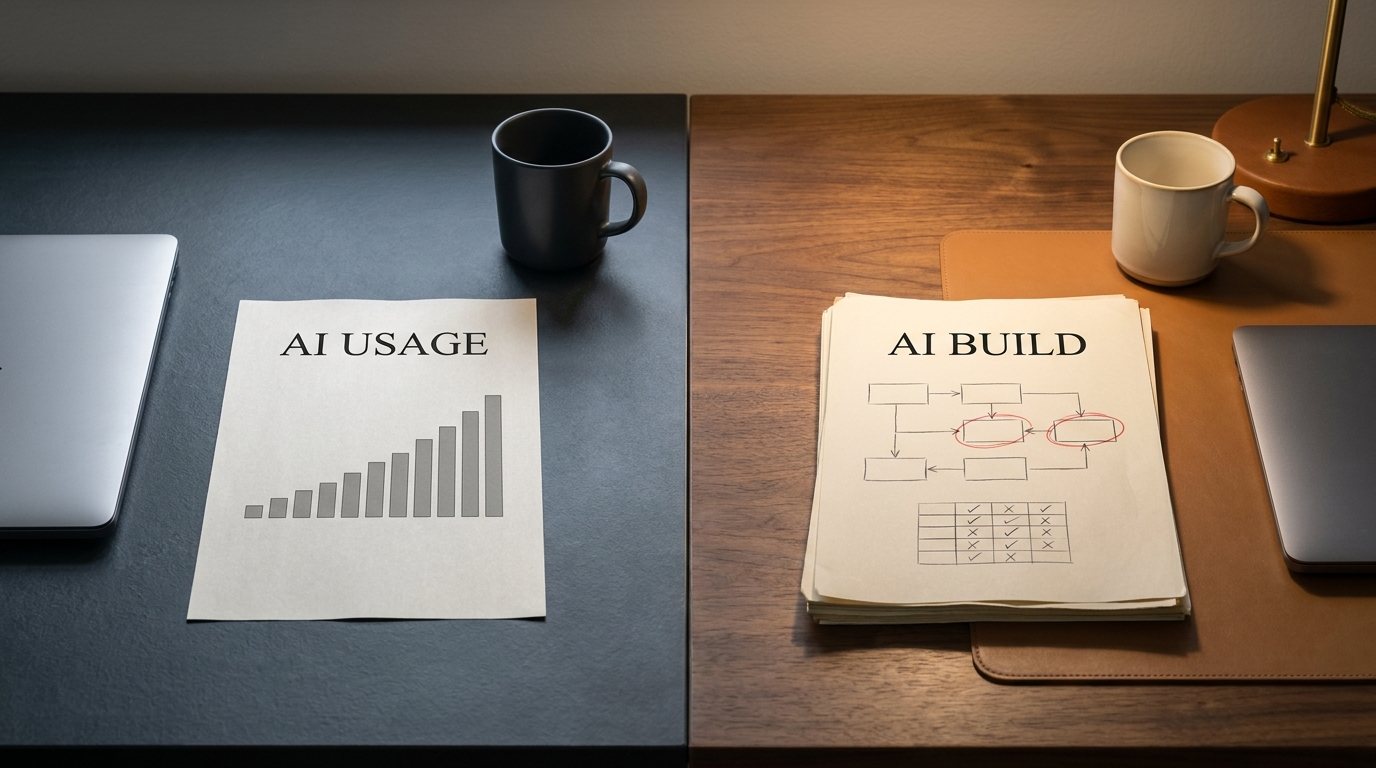

Most automation projects die the same quiet way. A bot gets built, a tool gets bought, a process runs a little faster, and then nobody can answer the one question leadership actually asks six months later: did it work? There was no before number, so there's no after. The automation either broke when the underlying process shifted, or it ran fine and saved time nobody ever counted.
That gap, between "we automated something" and "we can prove it paid off," is the whole difference between a project and a result. Closing it is a discipline, not a tool purchase.
AI workflow automation is the practice of redesigning a manual, multi-step process so that software and AI handle the repeatable work, measured against a baseline that proves the improvement. You don't have a result until you can show the delta.
Key takeaways
- Don't automate a broken process. Redesign it first, then automate the redesigned version.
- Baseline before you build. Without a "before" number, any "after" claim is unprovable.
- Automate the deterministic work, augment the judgment-heavy work with AI, and keep humans on the rare exceptions.
- Measure cycle time, cost per transaction, error and rework rate, and straight-through-processing rate.
- Treat the workflow as a living system. Re-measure on a cadence and iterate.
What workflow redesign really means (and what it isn't)
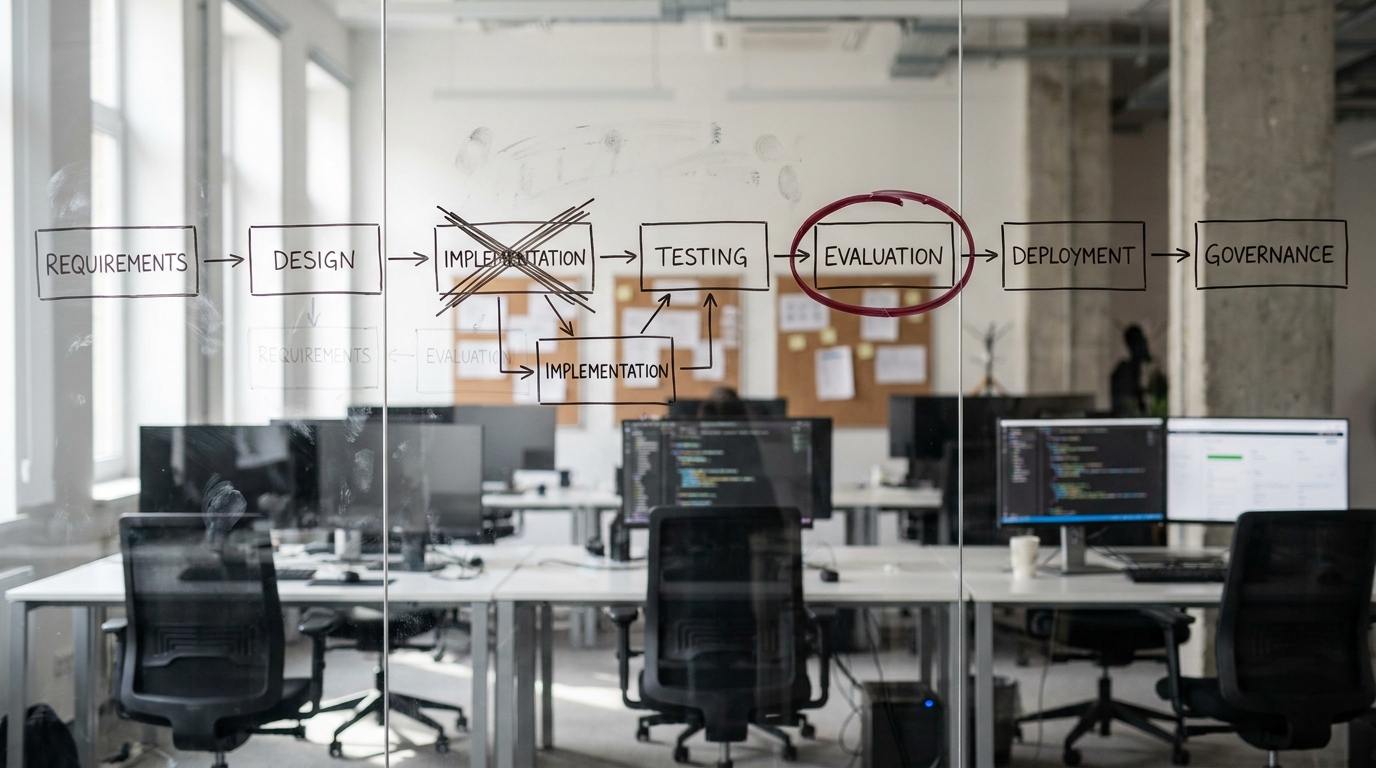
Redesign and automation are not the same move, and confusing them is where most of the money goes to die. Automation takes the steps you already do and makes a machine do them. Redesign asks a harder question first: should these steps exist at all?
The trap has a name. Practitioners call it "paving the cow path," laying smooth asphalt over a route that wandered because a cow walked it that way a century ago. Bolt business process automation onto a workflow that grew by accident and you don't fix the waste. You make it faster and harder to see. The Harvard Business School Online framing on when to automate versus augment makes the same point in cleaner language: automation amplifies whatever process you point it at, so the process has to be worth amplifying.
Redesign means you map the work, find the steps that add no value, delete them, and only then decide what the remaining steps need. Sometimes that's a rule-based bot. Sometimes it's an AI model reading an unstructured document. Sometimes it's leaving a human exactly where they were, because judgment is the point.
It helps to fix the vocabulary once, because these terms get used interchangeably and they shouldn't be.
| Term | What it means in one line |
|---|---|
| Workflow automation | Software runs a defined sequence of steps so people don't have to. |
| Business process automation (BPA) | Automating an end-to-end business process, not just a single task. |
| Robotic process automation (RPA) | Bots that mimic clicks and keystrokes across existing screens, with no deep integration. |
| Business process management (BPM/BPMS) | The discipline and software for modeling, running, and improving processes over time. |
| Intelligent automation | RPA plus AI, so the system handles unstructured input and some decisions. |
| Agentic automation | AI agents that plan multi-step tasks and act across tools with limited supervision. |
Keep this distinction handy. AI process automation earns the "AI" prefix only when a model is doing work a deterministic script couldn't, like reading a contract or classifying an email. Everything else is just automation wearing a better hat.
The 6-phase AI workflow redesign playbook
This is the core of the method, and the order is not optional. Each phase has a job, a place where AI genuinely helps, and an artifact you walk away with. The early phases are the ones teams skip, and skipping them is exactly why the late phases fail.

Phase 1 — Map the current process (as-is)
Capture every step, every handoff, every system, and every decision point exactly as the work happens today, not as the org chart says it should. Sit with the people who do it. Watch the workarounds, because the workarounds are the real process.
AI's role here is real but supporting. Process-mining tools and large language models can ingest system logs, ticket histories, and screen recordings to surface steps people forget to mention. The output is an honest as-is map, including the ugly parts.
Phase 2 — Baseline the metrics
This is the phase competitors skip, and it's the one that makes everything else provable. Measure how the process performs today: cycle time end to end, cost per transaction, monthly volume, error and rework rate, and where time actually disappears between steps .
If you can't put a number on the current state, you've already lost the ability to prove improvement later. The baseline is the contract you'll hold the redesign to. The output is a one-page scorecard of today's numbers with the date you measured them.
Phase 3 — Decide: automate, augment, or keep manual
Now triage every remaining step against a simple rule:
- Automate the deterministic, high-volume work. Data entry, routing, status updates, reconciliation. If the step has a clear rule and no judgment, a machine should own it.
- Augment the judgment-heavy work that takes unstructured input. Summarizing a long thread, drafting a first-pass response, extracting fields from a messy PDF. AI does the heavy lifting, a person approves.
- Keep manual the rare, high-risk, or relationship-driven exceptions. Some decisions should stay with a human precisely because they're uncommon and consequential.
The output is a tagged step list. Every step is now marked automate, augment, or manual, with a one-line reason.
Phase 4 — Redesign the to-be workflow
Design the new process around the decisions from Phase 3. The goal is to remove steps, not just speed them up. A redesigned workflow usually has fewer handoffs than the one it replaces.
Pay special attention to the exception path. Most workflows handle the happy path fine and fall apart on the 10 percent of cases that don't fit. Decide upfront what happens when the AI is unsure , when a document is missing, or when an amount exceeds a threshold. The output is a to-be map with the exception path drawn explicitly, not left implied.
Phase 5 — Build and integrate
Now choose the automation layer, and choose it last on purpose. The technology should fit the redesigned process, not the other way around. Options range from RPA for legacy screens, to AI agents for judgment work, to an orchestration or BPM platform that ties the steps together, to integration tooling that moves data between systems.
Design for change. The most common reason automation breaks is that someone changed an upstream form or report and the brittle bot couldn't cope. Favor integrations over screen-scraping where you can, and build in monitoring so a break surfaces as an alert, not a silent failure. The output is a working, integrated automation with monitoring attached.
Phase 6 — Measure, prove, iterate
Run the new workflow, then compare it against the Phase 2 baseline using the same metrics measured the same way. Report the delta honestly, including anything that got worse. A redesign that cut cycle time but raised the rework rate isn't a clean win, and you want to know that before leadership does.
Set a re-measurement cadence, monthly or quarterly, so drift gets caught. The output is a before-and-after scorecard and a standing review date. This phase is what turns "we automated something" into a defensible result.
What to measure: the automation metrics framework
A baseline is only useful if you measure the right things. These are the metrics that prove an ai workflow automation redesign actually worked. Track the same ones before and after, or the comparison means nothing.
| Metric | What it tells you | How to baseline it | Target direction |
|---|---|---|---|
| Cycle time | How long the process takes end to end | Time a representative sample of cases from start to finish | Down |
| Cost per transaction | Fully loaded cost to run the process once | Total process cost divided by volume over a period | Down |
| Throughput / volume | How much the process can handle | Count completed cases per week or month | Up (capacity) |
| Error and rework rate | How often output is wrong and has to be redone | Count reworked cases as a share of total | Down |
| Straight-through-processing rate | Share of cases that finish with zero human touches | Count untouched completions as a share of volume | Up |
| Time-to-value | How long until the redesign pays back its build cost | Track cumulative savings against build investment | Down (faster payback) |
A note on numbers. If you cite an industry benchmark, attach a source and a year or label it as an estimate. Prefer an honest range over fake precision. Your own baseline is the number that matters most anyway, because it's the one you can defend in the room.
A worked example: invoice intake and approval
Walk one process through all six phases and the method stops being abstract. Take invoice intake and approval, a workflow almost every finance team runs and almost none have measured.

Phase 1 (map): Invoices arrive by email and PDF. Someone keys the line items into the ERP, matches them against a purchase order, routes them for approval, chases the approver, then files the result. Eleven steps, four handoffs, two systems.
Phase 2 (baseline): The team measures the current state. In this illustrative example, cycle time runs roughly 6 to 9 business days, with most of that lost waiting in approval queues, and the rework rate sits near 15 percent because of keying errors and mismatched POs. These figures are illustrative, not a specific client's numbers.
Phase 3 (decide): Data entry and PO matching are deterministic and high-volume, so they're tagged automate. Reading a messy or non-standard invoice is unstructured, so it's tagged augment with AI document processing. Approving anything above a spend threshold stays manual.
Phase 4 (redesign): The team removes the manual filing step entirely and designs an exception path: if the AI's field extraction confidence is low or the PO doesn't match, the invoice routes straight to a human instead of failing silently.
Phase 5 (build): An ai document processing model extracts fields, an integration writes them to the ERP, and an orchestration layer handles routing and reminders. No screen-scraping, so an ERP form change won't break it.
Phase 6 (measure): Against the baseline, the illustrative redesign pulls cycle time toward 1 to 2 days, lifts straight-through processing from near zero to a meaningful share of clean invoices, and cuts rework as keying errors disappear. The win is provable because Phase 2 captured the before.
A second, shorter example shows the same shape in a different function. For employee onboarding, the as-is process scatters across HR, IT, and facilities with lots of email. Baseline the calendar days from offer-accepted to fully-provisioned, automate the deterministic account and access provisioning, augment the document collection with AI, and keep the manager's welcome conversation human. Measure the same before-and-after, and the days-to-productive number tells the story.
Common pitfalls
The method is straightforward. The ways it goes wrong are predictable, which means you can plan around every one of them.
- Paving the cow path. Automating a wasteful process just produces waste faster. Redesign in Phase 4 is not optional.
- No baseline, no proof. Skip Phase 2 and you'll never be able to show the redesign worked. This is the single most common failure.
- Brittle automation. Bots built on screen-scraping break the moment an upstream system changes. Build for change in Phase 5.
- Over-automating judgment. Forcing a model to make calls it isn't reliable on creates errors that cost more than the manual step did. That's what the augment tier is for.
- Ignoring the exception path. A workflow that only handles the happy path will fail loudly on the 10 percent that don't fit. Design the exception path on purpose.
- Set and forget. Processes drift, inputs change, models degrade. Without the Phase 6 re-measurement cadence, today's win quietly becomes next year's problem.
Where this sits next to RPA, BPA, BPM, and intelligent automation
If you've been comparing vendor pages, the category vocabulary can blur together. Here's how the playbook relates to each. Process automation is the umbrella. RPA is one tool inside it, good for legacy systems with no API. Business process automation is the end-to-end scope this playbook operates at. BPM is the management discipline that keeps the redesigned process governed over time. Intelligent automation is what you get when AI joins the toolkit, which is the augment tier in Phase 3.
The playbook is deliberately tool-agnostic. It tells you what to do and in what order. RPA, BPM platforms, and AI agents are options you select in Phase 5, after the process is already worth automating. Business workflow management software helps you run and monitor the result, but it can't tell you whether the underlying redesign was sound. That's the work the first four phases do.
Start with one process
Redesign first, baseline always, measure the delta. That's the whole method, and it works because it refuses to let an automation count until the numbers prove it. Pick one painful, high-volume process and run it through the six phases. One measured win builds more internal credibility than a dozen unmeasured bots.
Not sure which of your processes to redesign first? Book a free 30-minute AI Readiness Snapshot and we'll help you spot the one with the clearest baseline and the fastest payback. Get your AI Readiness Snapshot
Ready to scope a full redesign with a roadmap? The AI Transformation Discovery maps your process, baselines the metrics, and sequences the work. Start an AI Transformation Discovery
Lacking the internal AI talent to run a disciplined redesign? A Fractional Agentic Team plugs in the expertise to map, build, and measure alongside your people. Explore a Fractional Agentic Team