
AI for Teams: How to Integrate AI Tools Without the Bottlenecks
Your team is curious about AI. You might already be paying for three overlapping tools, a note-taker, a writing assistant, maybe a workflow automator, and yet the work week looks the same as it did last year. The subscriptions renew on schedule. The pilot one person ran back in January quietly died by March. Nobody can point to an hour that actually got saved.
AI for teams is the practice of embedding AI assistants, automation, and role-specific agents into a team's shared workflows, not just into one person's browser tab. The hard part is integration: data access, adoption, governance, and measurable return. Small teams stall on budget and skills. Large teams stall on governance and change management.
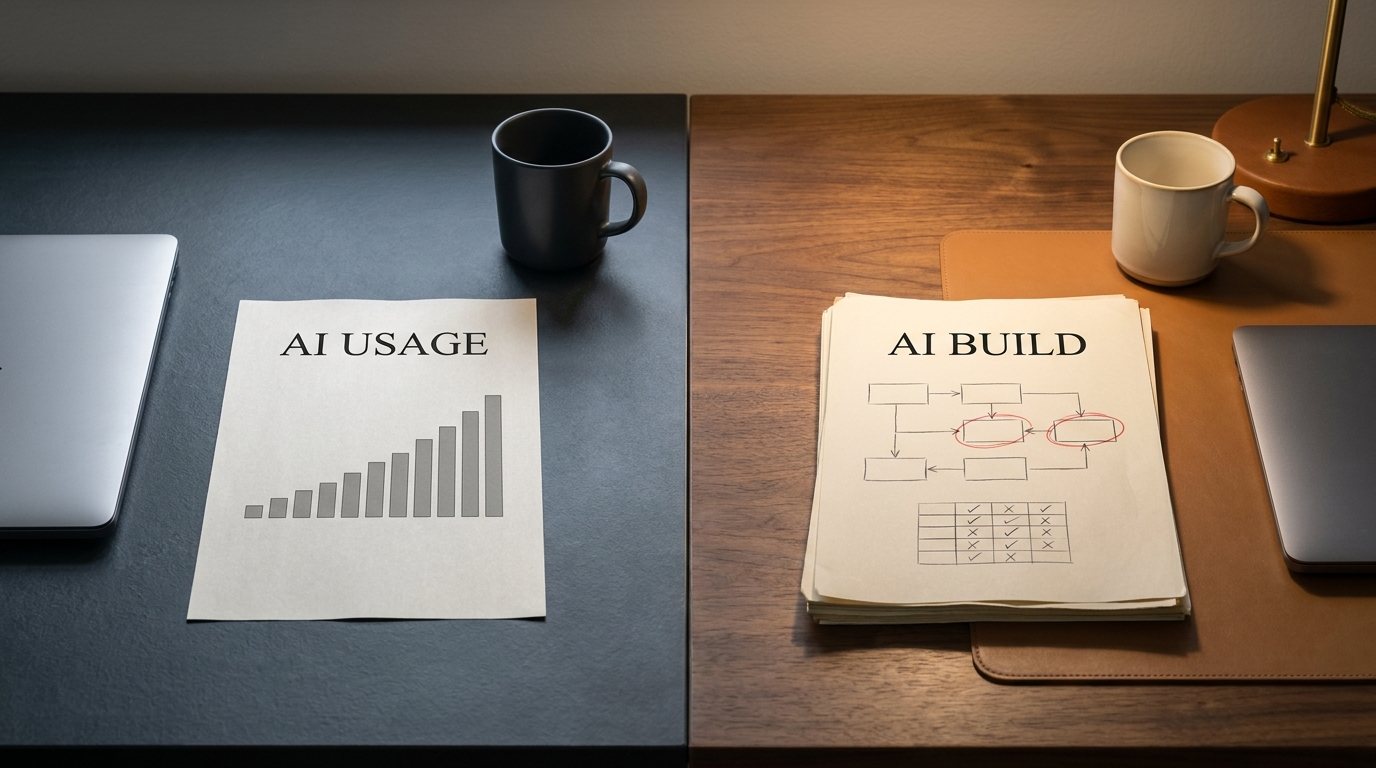
That gap, between buying AI and actually using it as a team, is what this guide is about. The encouraging part is that the failure points are predictable, and a little process beats a lot of software.
Key takeaways
- Integrating AI into a team is a workflow and change problem, not a shopping problem. Picking tools is the easy 10%.
- A repeatable rollout beats a big bang: pick one painful workflow, pilot with one or two people, measure, write the standard, then expand.
- The bottlenecks are consistent: tool sprawl, data silos, weak adoption, the skills gap, governance, unclear ROI, and stack integration.
- Scale changes the shape of each bottleneck. Small teams fight budget and skills. Large teams fight governance, silos, and change fatigue.
- You know it worked when usage is voluntary and rising, time saved is measured, and each AI-assisted workflow has a clear owner.
What "AI for teams" actually means in 2026
Most coverage of ai tools for business treats AI as a product you buy. For a team, it helps to see it instead as four kinds of capability you fold into how people already work.
Assistants and copilots. These are the chat and in-app helpers that draft, summarize, and answer questions. Microsoft Copilot inside Teams and Office, Notion AI inside a workspace, and the assistant features now bundled into most SaaS tools all sit here. They're the gateway drug of team AI, because they need almost no setup.
Automation and workflow tools. This is where an ai automation platform like Zapier, or a workflow builder, connects apps and moves work between them without a human clicking every step. The value isn't a smarter chatbot. It's a report that builds itself every Monday.
Meeting and knowledge tools. Otter, the recording and recap features in conferencing apps, and AI search across your documents capture the conversations and decisions a team would otherwise lose. These quietly fix the "wait, where was that decided?" tax.
Role-specific agents. More and more, AI shows up as a narrow agent aimed at one function: a sales-prospecting assistant, a support triage agent, Zoho's Zia across its business suite, or a design helper like Canva's. These are closer to a teammate with one job than to a general chatbot.
Define the words once and reuse them. A copilot sits inside an app and helps you do a task. An agent can take a multi-step action toward a goal with some autonomy. An LLM (large language model) is the engine both rely on. Naming these consistently matters, because half of a team's confusion about AI is really confusion about vocabulary.
The categories aren't a shopping list. The point is to notice that ai productivity tools only pay off when they attach to a shared workflow, not when they sit as a personal toy in one person's account.
A simple framework for integrating AI into a team
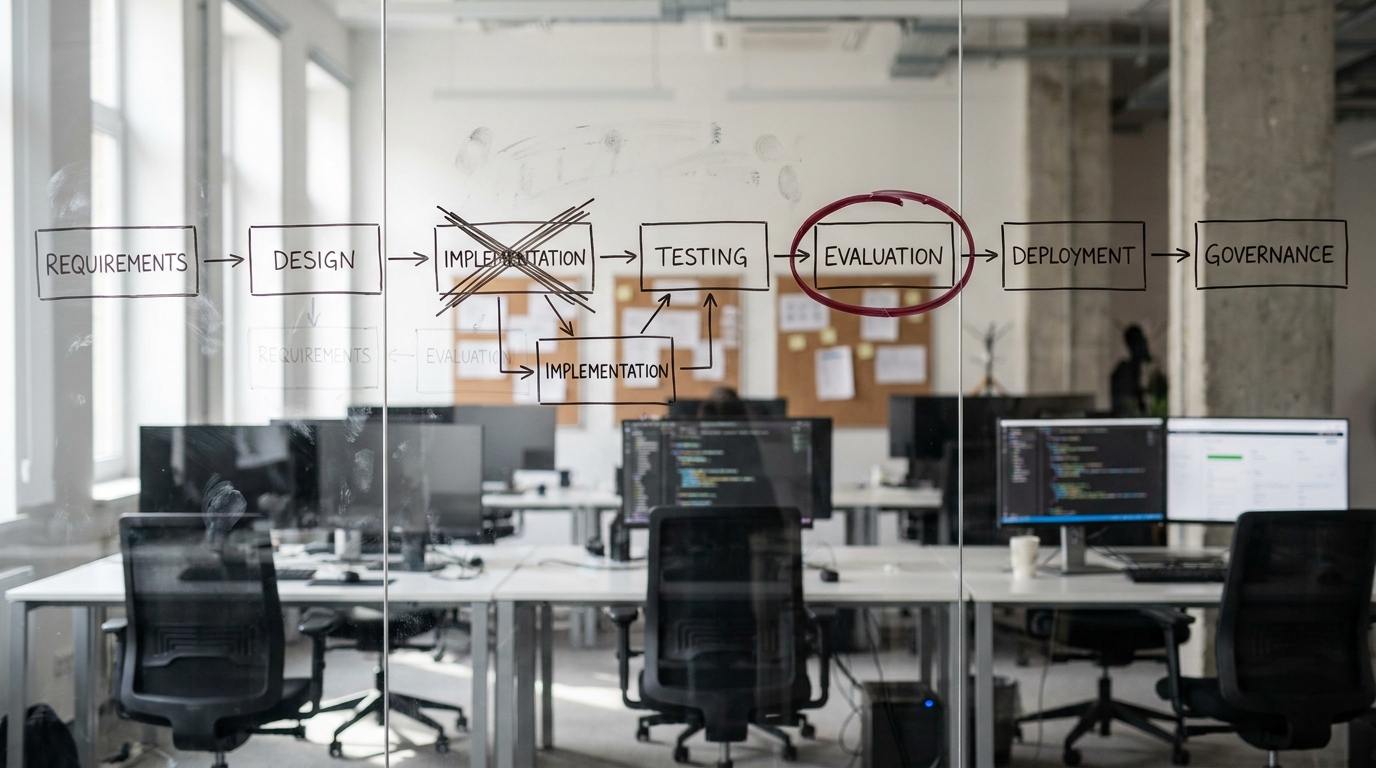
Here's a rollout model that holds up whether you're five people or five hundred. It's deliberately boring, because boring is what survives contact with a busy team.
- Pick one painful, repeated workflow. Not "use AI." Choose something specific and frequent: weekly reporting, drafting first-pass proposals, triaging inbound support, summarizing customer calls. Frequency beats glamour, because a daily task compounds.
- Pilot with one or two people. Hand the tool to the colleagues most likely to push on it, not the whole team. A small pilot fails cheaply and learns fast.
- Measure time and quality. Before you start, write down how long the workflow takes today and what "good output" looks like. After two weeks, compare. If you can't measure it, you can't defend the spend.
- Write the "how we use it" standard. One page. Which tool, for which step, with which prompt or setup, and what a human still checks. This single document is the difference between a tool that scales and a tool that stays stuck with its champion.
- Expand to the team. Only once the standard exists. Now adoption means teaching a known-good process, not asking people to invent their own.
Why "start with a workflow, not a tool" matters
Teams that lead with the tool end up with a license nobody opens. Teams that lead with a workflow end up with a habit. The workflow gives the tool a job, a baseline to beat, and an owner who cares whether it works. When you're weighing the best ai tools for productivity, the right first question isn't "which tool is best." It's " which workflow hurts most ." Fix that one, prove it, and the next rollout is far easier to sell internally.
If your team is still deciding whether it's even ready to start, a short structured check helps. Get an AI Readiness Snapshot is a free 30-minute readiness call to find the one workflow worth piloting first.
The common bottlenecks (and how to get past them)
If any of these sound familiar, you're not behind. You're normal. These are the predictable stalls, and each one has a root cause and a fix.
| Bottleneck | Symptom | Root cause | How to get past it |
|---|---|---|---|
| Tool sprawl and overlap | Three tools do the same job, none fully adopted | Buying by feature, not by workflow | Map workflows first, then consolidate to one tool per job |
| Data silos and context gaps | The AI gives generic answers because it can't see your data | Tools not connected to where work lives | Prioritize tools that integrate with your existing stack |
| Adoption and change resistance | The champion uses it, nobody else does | No shared standard, no training | Write the one-page "how we use it" and train to it |
| Skills and talent gap | Nobody knows how to set up or prompt the tool well | No in-house AI experience | Borrow expertise, start narrow, document what works |
| Governance and data security | Legal or IT blocks the rollout late | Security considered after purchase, not before | Set a simple AI-use policy before piloting |
| Unclear ROI and measurement | You can't say if it's working | No baseline captured before starting | Measure the workflow before and after, every time |
| Stack integration | The tool is an island, data is copy-pasted | Point solution with weak connectors | Favor tools with native integrations and an open API |
A few of these deserve a closer look.
Tool sprawl is the most common, and the most expensive. It usually comes from buying AI the way you buy apps, one shiny feature at a time. The fix is unglamorous: list the workflows that matter, then allow one tool per workflow. Ai productivity apps multiply quietly, and overlap is where budget and attention leak out.
Data silos are why so many assistants feel underwhelming. An AI that can't see your CRM, your docs, or your past tickets can only give you a generic answer. The tools that earn their place are the ones that connect to where your work already lives.
Adoption fails for a reason that has nothing to do with how clever the model is. People don't adopt a tool. They adopt a habit that's easier than the old way . The one-page standard, plus 30 minutes of real training, beats any feature list.
The skills and talent gap is the bottleneck most teams underestimate. Setting up automations, writing reliable prompts, and wiring tools together is real work, and small teams rarely have someone whose job that is. This is the natural place to borrow capability rather than hire for it. An embedded agentic team can supply the setup-and-integration skill a lean team is missing, without a full-time headcount.
Governance tends to surface at the worst moment, right as you're ready to expand, when IT or legal asks where the data goes. The fix is to write a short AI-use policy up front: which tools are approved, what data may go into them, and what a human reviews. A page of policy prevents a month of rework.
Once you've named your bottlenecks and started clearing them, the next step is usually a roadmap, not another tool. A structured AI Transformation Discovery session maps your highest-value workflows and the change plan to roll AI across them.
Small team vs. large team: how the bottlenecks change
The bottlenecks keep the same names at any size, but they hit different pressure points. Knowing which fight you're actually in saves you from solving the wrong problem.

| Bottleneck | Small team (up to ~20 people) | Large team / enterprise |
|---|---|---|
| Budget | Tight, every license is scrutinized | Available, but spread across silos |
| Skills | Often missing entirely | Exists, but uneven across departments |
| Tool sprawl | A few overlapping subscriptions | Dozens of tools, shadow IT |
| Governance | Light, sometimes ignored | The dominant blocker, legal and compliance gate everything |
| Change management | Easy, the whole team is in one room | The hardest part, rollout across functions and managers |
| Data silos | Few systems, but poorly connected | Many systems, deep silos between teams |
For a small business, the limiting factors are usually budget and skills. You can move fast because the whole team fits in one conversation , but you may not have anyone who can set the tools up well. The best ai tools for small business are the ones that work out of the box and integrate with what you already pay for.
For a large organization, the tools and budget exist, but governance and change management take over. The question is no longer "can we afford it." It's "can we roll it out across forty managers without it fragmenting into forty different habits." Standards and policy stop being optional at scale.
What good looks like
It's easy to confuse activity with integration. Plenty of teams have AI tools open all day and nothing to show for it. Here's what actually-integrated looks like.
- Every AI-assisted workflow has an owner. Someone is accountable for whether it works, not just for paying the bill.
- Time saved is measured, not assumed. The team can point to a specific workflow and a specific before-and-after.
- Guardrails are in place. A simple policy says what data goes where, and what a human checks.
- Tool overlap is low. One tool per job, not three.
- Usage is voluntary and rising. People reach for the tool because it's easier, not because a manager told them to.
If most of those are true, you've integrated AI. If your team has lots of licenses and none of those signals, you've bought AI. That difference is the whole game.
Two examples of AI integration done right
The following are illustrative composites, not named clients. Treat the numbers as realistic ranges, not guarantees.

A five-person marketing team automating weekly reporting. Before: every Monday, one person spent two to three hours pulling numbers from four dashboards into a slide. The workflow was painful, frequent, and perfect for a pilot. They connected an automation tool to their analytics and a copilot to draft the narrative. After a two-week pilot and a one-page standard, the report built itself and a human spent about 20 minutes reviewing it. The win wasn't "we use AI now." It was three hours a week, every week, with a baseline they could prove.
A larger organization standardizing meeting notes. Before: each department recapped meetings differently, and decisions evaporated between calls. They piloted an AI meeting tool with two teams, wrote a shared standard for how recaps and action items get captured, set a policy on which meetings could be recorded, then expanded function by function. The hard part was never the tool. It was the change management and the governance, which is exactly what you'd expect at that scale.
How to choose AI tools without creating more sprawl
When you do evaluate tools, judge them as teammates joining a workflow, not as features in a catalog. A short, criteria-based check keeps you from buying your fourth overlapping subscription. The best ai tools for business clear most of these.
- Integrates with your stack. Native connectors to the apps where your work already lives, ideally an open API.
- Fits a real role or workflow. It maps to a specific job you do often, not a vague "productivity" promise.
- Sound data and security posture. Clear answers on where data goes and how it's handled, before you buy.
- Admin controls. You can manage access, see usage, and turn things off centrally.
- Transparent pricing. You can predict the cost as the team grows, with no surprise per-seat cliffs.
- Low adoption friction. A new teammate can be productive with it in a day, not a quarter.
Notice that none of these criteria is "has the most features." Sprawl is what happens when feature lists win. Keeping the stack lean is what happens when workflows win.
Start with one workflow, not one more tool
Integrating AI into a team is a process problem wearing a software costume. The teams that win aren't the ones with the most licenses. They're the ones that picked a painful workflow, proved a result, wrote down how they did it, and expanded from there. The bottlenecks, tool sprawl, silos, adoption, skills, governance, ROI, and integration, are predictable at every size. Small teams clear budget and skills. Large teams clear governance and change. Both clear them the same way, one workflow at a time.
If you want help finding that first workflow and building the rollout plan around it, an AI Transformation Discovery session maps your highest-value workflows and the change plan to integrate AI across your team.