
The systems you'd most like to leave alone are the ones the board now wants you to put AI on. They close the books. They process the transactions the business runs on. They also predate the idea of a clean API, so the data sits in flat files and silos , and the rules that matter live in code nobody fully documented. The pressure says "do something with AI," and the options in front of you look like a choice between two bills you can't afford: gut the system, or stay stuck.
AI integration for legacy projects is the practice of connecting AI capabilities to existing systems without replacing them, by adding an access layer, standardizing the data AI needs, and rolling out capabilities in phases. The hardest blocker is rarely the model. It's data compatibility and undocumented business logic.
That choice is a false one. This guide walks through why legacy systems block AI, the integration patterns that fit different constraints, and a phased path that adds intelligence while the system keeps running underneath it. It also covers the branch where integration is not enough: what AI-assisted modernization of the system itself now costs, including mainframe and COBOL estates, and how to tell which path your systems actually need.
What "AI Integration for Legacy Systems" Actually Means
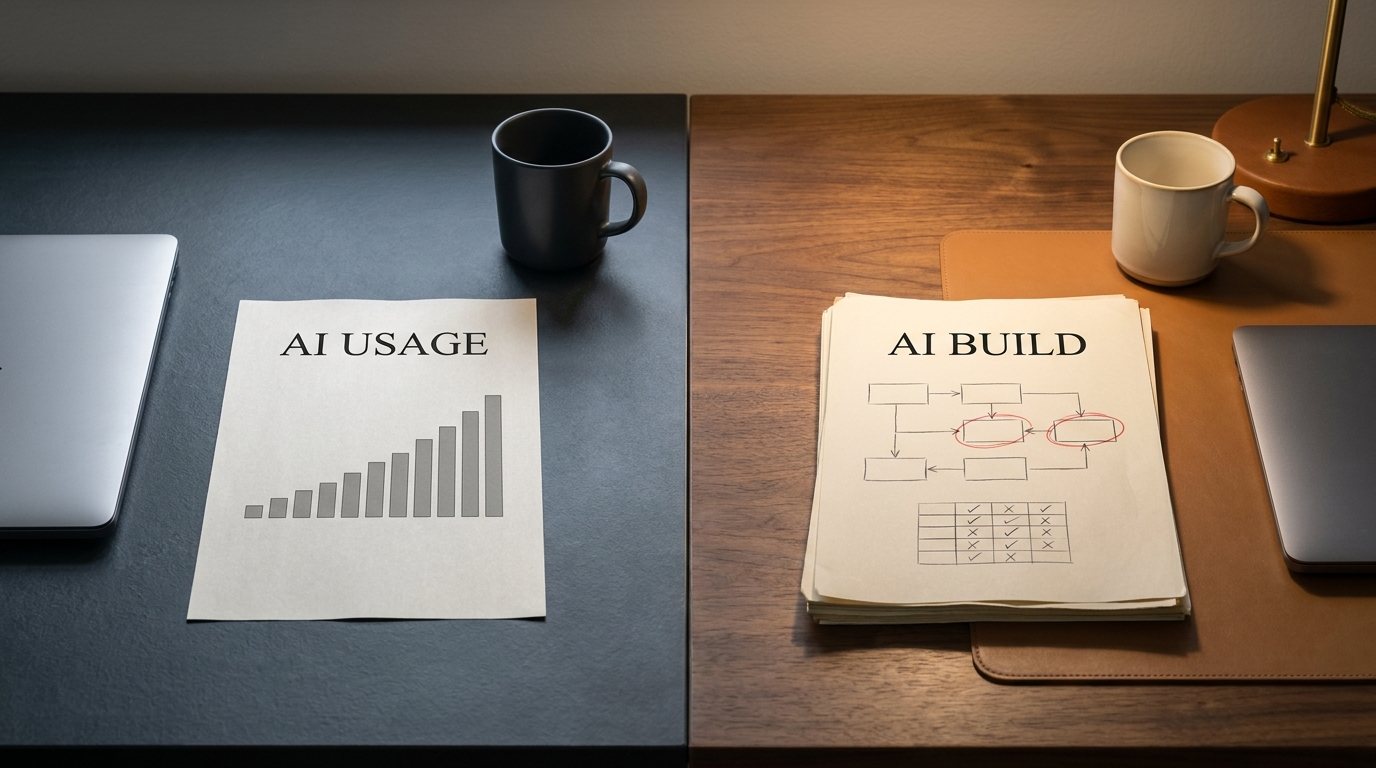
Most articles blur a distinction worth keeping sharp. AI integration with legacy systems means connecting AI to systems that stay in place. Modernization, or migration, means changing the systems themselves. Integration is the lower-risk move, and for most teams it's the right first step. You keep the business logic that already works and bolt intelligence onto the side rather than rebuilding the foundation under live traffic.
The mechanism barely changes from one successful project to the next. It moves through four layers:
- Data. Find the specific data the AI capability needs, expose it, and get it into a shape a model can actually read.
- Access layer. Add an API or middleware layer so the AI can talk to the legacy system without rewriting it.
- AI capability. Connect the model or agent that does the work, whether that's retrieval, classification, summarization, or code analysis.
- Human-in-the-loop. Keep a person in the decision path until the capability has earned trust on real cases.
Two examples make it concrete. A retrieval-augmented generation (RAG) layer can sit over a legacy document store, letting staff ask plain-language questions of decades of records without anyone touching the system underneath. RAG just means the AI retrieves the relevant source documents first, then writes an answer grounded in them. A different example: AI-assisted analysis can read undocumented COBOL and produce plain-English documentation of what each routine does. That documentation step is usually the prerequisite before any refactoring happens at all. Neither example replaces the system.
Why Legacy Systems Block AI Adoption
When AI initiatives stall, the cause is usually a familiar set of symptoms. You'll recognize most of them:

- No clean APIs. The system was built before API-first design, so there's no easy way in.
- Data trapped in flat files and silos. The data AI needs exists. It just isn't in a form a model can read.
- Undocumented business logic. Critical rules live in code, and the people who wrote them are gone.
- Fragile point-to-point integrations. Touch one connection and three others might break.
- Security and compliance exposure. A new access layer raises questions about who can reach what data.
- No AI talent on staff. Even when the path is clear, nobody's there to walk it.
Here's the part teams miss. The symptom is rarely the real problem. The table below maps what you see to what's actually driving it.
| Symptom you see | Root cause | What it costs you | What good looks like |
|---|---|---|---|
| No clean APIs | System predates API-first architecture | Every integration is a custom project | A stable middleware layer exposing core functions |
| Data in flat files and silos | No central data model or pipeline | AI gets unreliable, incomplete inputs | A standardized data layer feeding the AI |
| Undocumented business logic | Original authors gone, no living spec | High risk of breaking rules nobody can see | Documented, tested logic before any change |
| Fragile integrations | Point-to-point coupling over years | Change paralysis, fear of touching anything | Decoupled access through one layer |
| Security and compliance gaps | New data access not yet governed | Audit and regulatory risk | Governed access with clear permissions |
| No AI talent on staff | Skills gap, hard-to-hire roles | Projects stall after planning | A capable team, in-house or fractional |
Look down that middle column. Almost none of these are AI problems. They're data, architecture, and staffing problems that AI integration drags into the light. That's why teams who lead with a model, instead of fixing the inputs, tend to stall a few months in.
The Core Integration Patterns (and Which One Fits You)
Four patterns cover the large majority of legacy AI work. Each does a different job, and each suits a different starting constraint.
API and middleware layer. You wrap the legacy system in a stable interface that AI services can call, without changing the system itself. This is the workhorse. It fits systems with valuable functions you want to expose but can't easily modify. It's not the answer when the real blocker is data quality rather than access.
Data standardization and pipeline. You build a pipeline that extracts, cleans, and standardizes legacy data into something AI can use, often landing it in a data lake or warehouse. Best for organizations whose data is the actual bottleneck. It's heavier work upfront, but nothing downstream succeeds without it.
Retrieval (RAG) layer. You add a retrieval layer so a language model can answer questions or draft content grounded in your existing documents and records. Best for unlocking knowledge buried in legacy document stores. Not built for transactional logic or systems of record that demand precise, auditable operations.
AI-assisted code refactoring and agentic modernization. You use AI to read, document, and progressively refactor legacy code, sometimes with agents handling repetitive transformation work under supervision. Best when undocumented code is the obstacle and you eventually need to change the system, not just connect to it. It carries the most risk and demands the most oversight.
The gap nobody fills is the choosing. So start from your constraint, not from the pattern.
| Your constraint | Recommended pattern | Typical effort / risk | Best for |
|---|---|---|---|
| System works, but nothing can reach it | API / middleware layer | Moderate effort, low-moderate risk | Exposing valuable functions safely |
| Data is messy, siloed, or unreliable | Data standardization / pipeline | High effort, low risk | Any AI initiative that depends on data quality |
| Knowledge is locked in documents | Retrieval (RAG) layer | Low-moderate effort, low risk | Search, Q&A, and content over existing records |
| Code is undocumented and must change | AI-assisted refactoring / agentic | High effort, high risk | Modernizing logic you can no longer read |
Most real projects use two of these together. A common order is to standardize the data, add an access layer, then put retrieval or other capabilities on top once the foundation holds.
A Phased Approach That Keeps the System Running
Under board pressure, the instinct is to scope one big program and run it. That instinct is what fills the migration graveyard. McKinsey research cited by TechTarget has put the cost of failed large-scale modernization efforts in the hundreds of millions of dollars, which is precisely the outcome a phased approach is built to avoid. Incremental wins because every phase produces something usable and quietly de-risks the next one.

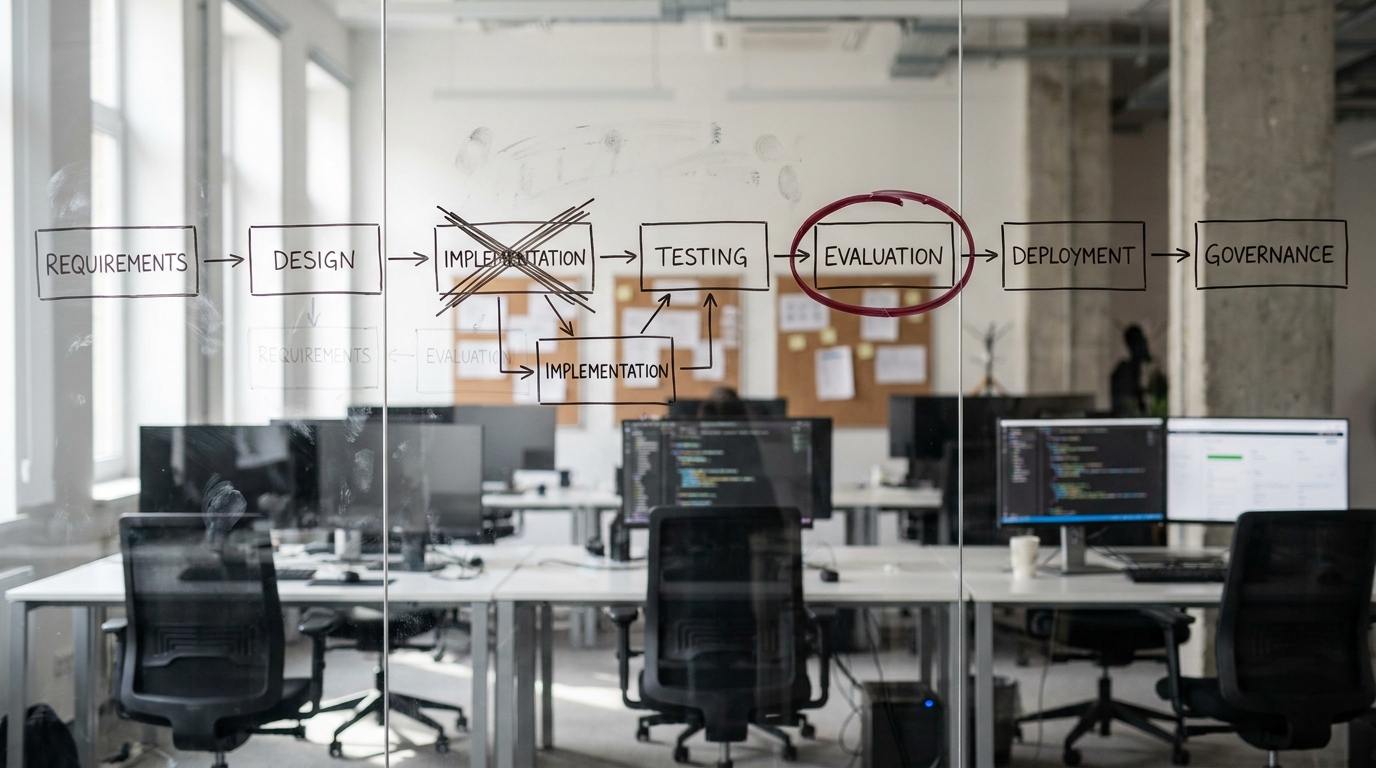
A phased rollout moves through five stages:
- Assess. Map the systems, the data, and the business logic. Run a readiness check before you commit to an approach.
- Pilot. Pick one contained use case with a measurable outcome. Keep the scope small enough to fail cheaply.
- Integrate. Build the access layer and data flow the pilot needs, designed so it can extend past the pilot.
- Measure. Compare results against the baseline you captured in the assess phase. Decide on evidence, not enthusiasm.
- Scale. Extend the proven pattern to adjacent use cases, retiring legacy functions gradually instead of all at once.
Two ideas keep this safe. The strangler-fig pattern means you grow new capabilities around the old system and let them take over functions one at a time, so the legacy system shrinks in importance rather than getting switched off in a risky cutover. And human-in-the-loop checkpoints keep a person reviewing AI output at each phase until the capability has proven itself on your real cases.
If you're not sure where your systems stand, or which pattern your constraints point to, a structured readiness check is the cheapest way to find out before you spend.
AI Readiness Snapshot — a fast, low-commitment assessment of where your legacy systems block AI and what a safe first step looks like.
Get your AI Readiness Snapshot
When Integration Isn't Enough: AI Transformation of Legacy Projects
Integration keeps the system in place. Sometimes that isn't the option on the table and the system itself has to change. That work goes by AI transformation of legacy projects, or legacy modernization, and the phrase hides three different ideas worth separating before anyone commits a budget.
- Modernizing systems so they can use AI. Making the estate AI-ready: exposing data through APIs, cleaning up schemas, moving workloads somewhere AI features can run. AI is the destination here, not the method.
- Using AI to do the modernization work. Generative models applied to the modernization tasks themselves, reading code, writing the documentation nobody wrote, translating languages, generating tests.
- Agentic AI running multi-step modernization workflows. Agents chaining those tasks together with checkpoints, rather than one prompt and one response. The newest of the three and the least mature.
The economics of legacy did not move. Gartner has put maintenance and keeping-the-lights-on spend near 70% of IT budgets in recent years, and roughly two-thirds of the applications running large enterprises still count as legacy. What moved is the cost of understanding a system well enough to change it safely.
State the claim narrowly so it survives scrutiny: AI does not modernize a system. It collapses the cost of the comprehension and drafting work that used to make modernization too expensive to start. The architect still decides what the target should be.
How AI shifts the modernization math
Modernization is not one decision. The industry shorthand is the set of "R" options, each a different bet on cost, risk, and payoff.
- Rehost ("lift and shift") moves the system to new infrastructure unchanged. Fast and low-risk, but it carries the old problems along, and AI helps least here because there is little code to understand or rewrite.
- Replatform makes minor changes to fit a new platform, such as swapping a database. Modest effort, modest reward.
- Refactor restructures the code without changing behavior. This is where AI's comprehension and test-generation gains land hardest, because the cost was always the reading and the regression risk.
- Rearchitect changes the structure more deeply, often breaking a monolith into services. Dependency mapping and translation lower the comprehension tax that made this expensive.
- Rebuild writes the system again against the same requirements. AI helps reconstruct requirements the documentation lost, but the build risk is still real.
- Replace swaps the system for a commercial product. Little to modernize, mostly a procurement and migration question.
- Retire decommissions a system that is no longer worth keeping. The cheapest option, and the one teams forget to consider.
The shift is concentrated in the middle. Refactor and rearchitect used to be the expensive options because they demanded that someone first understand a system nobody documented, and that comprehension cost is exactly what AI compresses. Choices a team would once have rejected as unaffordable, the higher-value ones, move back into range. The decision stops being "what can we afford to understand" and becomes "what target state do we actually want."
Reverse and forward engineering
One pattern keeps appearing in current practitioner accounts, sometimes called spec-driven modernization. It has two halves. In the reverse step, agents read the legacy system and reconstruct what it does as explicit specifications, the artifacts the original team never produced. In the forward step, agents generate a modern implementation from those specifications rather than translating the old code line by line. The specification becomes the durable asset in the middle, readable by people and machines both.
The appeal is that it separates what the system must do from how the old system happened to do it, which is precisely the knowledge that erodes as the original engineers leave. The caveat is maturity. The reverse step is the reliable half today; a confidently generated forward implementation can be confidently wrong.
Mainframe and COBOL Modernization with AI
Mainframes are the hardest case, which is why AI matters most here. The systems are decades old, the business logic is often undocumented, and the people who wrote the COBOL are retiring faster than universities produce replacements. Manual modernization runs straight into a talent wall.
A model that reads COBOL, summarizes what a program does, and drafts a translation into a modern language attacks that bottleneck directly. Public mainframe-to-cloud efforts increasingly pair human specialists with agents that handle the first-pass reading and translation, leaving the specialists on the rules that carry regulatory or financial weight. Cloud providers now ship agentic tooling aimed at this migration path.
The pattern to copy is not "let AI rewrite the mainframe." It is "use AI to recover the knowledge that walked out the door, then let scarce experts spend their time on judgment instead of archaeology." Two limits are worth knowing before you plan around it: model context windows constrain how much code can be analyzed at once, and translating code is not the same as modernizing the platform around it.
How to Decide: Integrate, Modernize, Rebuild, or Leave It
Not every legacy system deserves either treatment, and AI does not change that. It changes the price of the options, which can change the answer.
Integrate when the business logic works and the barrier is access. This is the default first move, and the subject of most of this guide.
Modernize now when the system is business-critical, the logic is worth keeping, the cost of maintaining it is rising, and the main barrier has been the expense of understanding it. That last point is the one AI moves. If comprehension was the blocker, the blocker is smaller now.
Rebuild when the underlying design is fundamentally wrong for what the business needs today, and requirements have changed more than the code can absorb. AI helps reconstruct the requirements, but it does not make a bad rebuild safe.
Defer or retire when the system is stable, rarely changes, and blocks nothing, or is barely used at all. Spending a modernization budget here is motion without return.
Most estates are a mix: a few systems to retire, several to rehost or replatform, and a critical handful where refactor or rearchitect now make sense because AI lowered the comprehension cost. If you do not know where yours sit on that map, inventory the estate and score each system on business value against modernization risk before picking the first target.
Common Pitfalls and How to Avoid Them
The failure modes repeat across organizations. Knowing them in advance is most of the defense.
Starting with the model instead of the data. Teams fall for a specific AI capability and discover, months in, that their data can't feed it. Fix the inputs first. The model is the easy part.
Boiling the ocean. A sweeping program with no contained pilot bets everything before you've learned anything. Start with one use case you can measure.
Ignoring undocumented business logic before refactoring. Let AI rewrite code whose rules nobody understands and you risk silently breaking the rules that keep you compliant. Document and test the logic first, then change it.
Underestimating the talent and capacity gap. This is the quiet reason projects die. The path looks clear on paper, but there's nobody on staff to build the access layer, run the pipeline, or supervise the agents. If hiring a full AI team isn't realistic on your timeline, a fractional agentic team buys you the capacity without the headcount commitment.
Skipping governance on the new access layer. Every new path to your data is a new security and compliance surface. Review who can reach what before the layer goes live, not after an audit finds it.
Trusting AI output blind. A model will produce a translation, a test, or a dependency map with the same confident tone whether it is right or subtly wrong. A test suite that passes against incorrectly generated behavior is worse than no tests, because it manufactures false confidence. AI accelerates understanding and drafting. It does not own the decisions, and human review is what keeps the speed from turning into liability.
What Good Looks Like
You can usually tell a healthy integration from a troubled one by a short list of signals. If most of these hold true, you're on the right path:
- The pilot has a measurable outcome and a baseline to compare against.
- The business logic that matters is documented and tested before anything changes it.
- You own the data layer feeding the AI, and you trust its inputs.
- A human reviews AI output at each phase until the capability earns its autonomy.
- There's a clear next phase, and every phase leaves the system running.
Once you've validated the approach and you're ready to scope the actual work, the next step is a structured discovery of your systems and the highest-value place to start.
AI Transformation Discovery — a scoped sprint that turns your readiness findings into a concrete, phased integration plan.
Book an AI Transformation Discovery
Key Takeaways
- AI integration connects AI to legacy systems that stay in place. It's lower risk than migration and the right first move for most teams.
- The hardest blockers are data compatibility and undocumented business logic, not the AI model itself.
- Four patterns cover most work: API/middleware layer, data pipeline, retrieval (RAG) layer, and AI-assisted refactoring. Choose by your constraint, not by what's trendy.
- A phased rollout (assess, pilot, integrate, measure, scale) avoids the cost of failed big-bang modernization.
- The quiet project-killer is the talent and capacity gap. Work out who will execute before you scope what to build.
- When integration is not enough, AI shifts the R-framework math toward refactor and rearchitect, because the comprehension tax that made them expensive is exactly what AI compresses.
- Mainframe and COBOL estates benefit most, but the reliable use today is recovering undocumented logic, not autonomous rewriting.