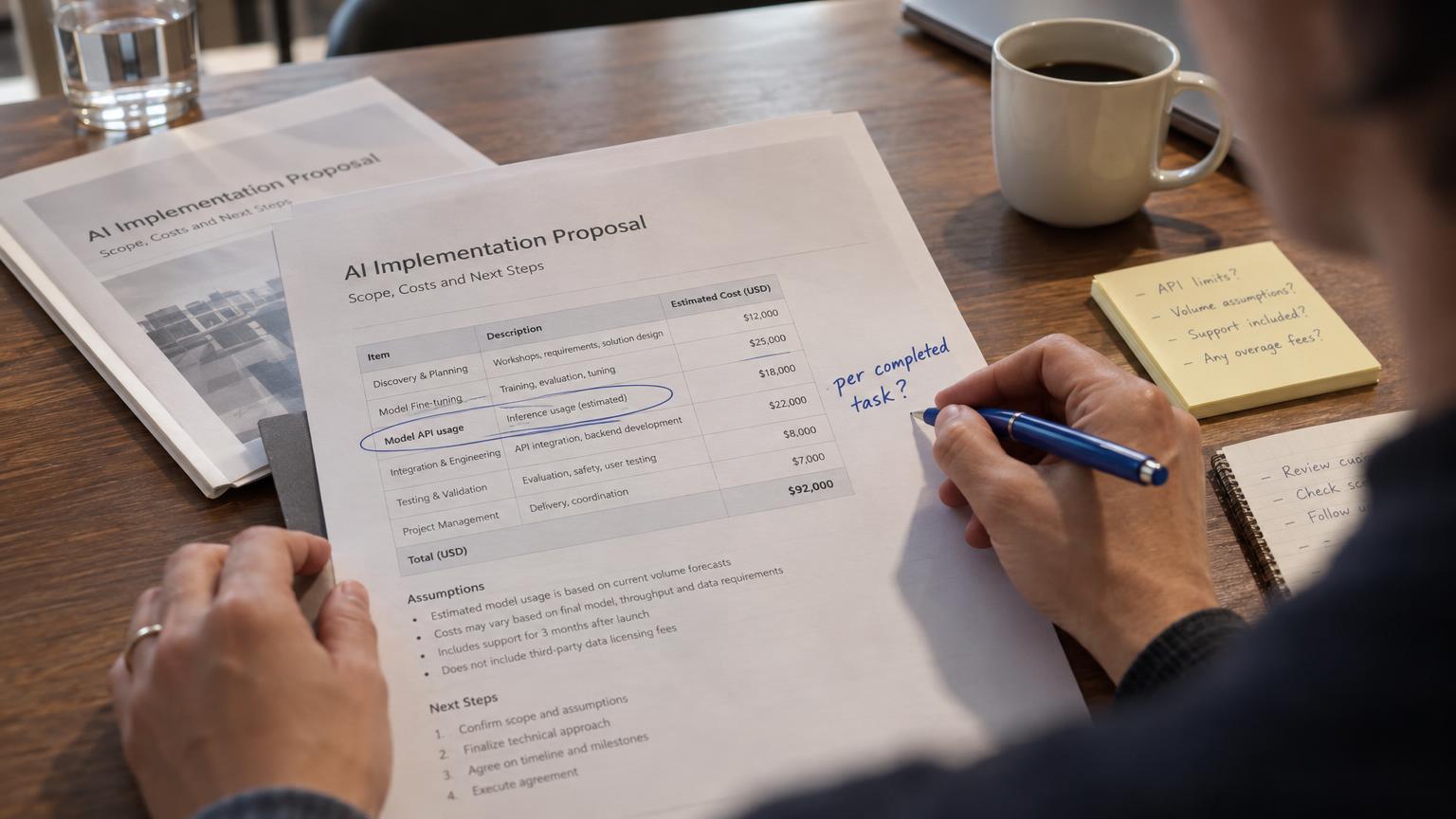

Three supplier quotes go into an assistant. The answer comes back fast and correct: quote B is cheapest once freight is included, quote C has the better payment terms, quote A expires Friday. Then the buyer opens the procurement system, finds quote B, and types the same numbers back in to approve it. The assistant did the thinking. The buyer still did the work.
That gap is what MCP Apps (the Model Context Protocol extension, not the Microsoft certification) and generative UI go after. Both change what an AI answer can be: instead of a paragraph, the reply can be an interface the user acts on without leaving the conversation. For a CTO or product leader, the useful question is narrower than the hype suggests. When is an interface the right answer, and what does it take to ship one safely?
The short version, which the rest of this piece earns: build the interface only where it removes a step someone would otherwise do by hand. Everywhere else, the paragraph wins.
Why text-only answers stop one step short
Look at where the work finishes. Most real tasks don't end with knowing something. They end with doing something: approving a refund, picking a meeting slot, accepting one of three quotes, signing off a diff. A text answer handles the knowing part well. The doing part still happens somewhere else, usually by copying a value out of the chat and pasting it into another tool.
OpenAI's developer guidance for ChatGPT apps puts this into a simple filter. An app earns its place if it helps the user know something new, do something real, or show information more clearly than plain text can ( OpenAI Developers ). Text covers "know" on its own. "Do" and "show" are where an interface starts to pay, and where the copy-paste lives.
We've written before about the difference between a chatbot that answers and an agent that acts . Interactive output sits between the two. The model still proposes, but the user confirms with a click instead of a copy-paste.
What MCP Apps are, in business language
Strip away the protocol terms and the idea is short. The server ships the interface, the host renders it, and the user acts without leaving the conversation.

MCP Apps is the first official extension to the Model Context Protocol. It lets a tool return an interactive interface that the host renders in a sandboxed iframe inside the conversation ( MCP Blog, 2026 ). The mechanics, per the official documentation ( Model Context Protocol docs, 2026 ):
- A tool on your MCP server declares a UI resource, addressed with a
ui://URI in its metadata. - The host (Claude, ChatGPT, VS Code and others) fetches that resource, usually an HTML page bundled with its JavaScript and CSS.
- The host renders it in a sandboxed iframe in the chat.
- The interface and the host talk both ways through JSON-RPC over
postMessage, so a button click in the UI can trigger a tool call back to your server.
It has a short history. The extension was proposed in November 2025 as SEP-1865 and built on the community MCP-UI project and the OpenAI Apps SDK, with both teams involved ( MCP Blog, 2025 ). OpenAI had launched its Apps SDK in October 2025 as "an open standard built on the Model Context Protocol" ( OpenAI, 2025 ).
At the January 2026 launch, the MCP team listed support in Claude (web and desktop), Goose, Visual Studio Code Insiders, and ChatGPT ( MCP Blog, 2026 ). Microsoft 365 Copilot and Gemini Enterprise have since documented support of their own ( Microsoft Learn, 2026 , Google Cloud, 2026 ). Host support moves quickly, so check each host's current docs before you plan around it.
Generative UI and MCP Apps solve different problems
The two terms get blended together in vendor content, and the blending causes bad planning: teams scope a host integration when they needed a component library, or the reverse. They answer different questions.
Generative UI, in the broad sense, means the model selects or composes interface components at runtime, inside a product you control. The Vercel AI SDK describes it as "connecting the results of a tool call to a React component" ( Vercel AI SDK docs, 2026 ). CopilotKit frames a spectrum of patterns, from static components wired through its AG-UI protocol, to declarative specs such as A2UI, to open-ended UIs such as MCP Apps ( CopilotKit, 2026 ). Treat that spectrum as CopilotKit's framing rather than an industry standard. Google Research went further still, with models that design and code a custom interactive response per prompt, shipped as experiments in the Gemini app and in AI Mode in Search ( Google Research, 2025 ).
MCP Apps is the other direction. You build the interface in advance, and a standard delivers it into someone else's assistant.
| Generative UI in your product | MCP App in a third-party host | |
|---|---|---|
| Who owns the screen | You | The host (ChatGPT, Claude, Copilot) |
| Who writes the UI | Your components, assembled by the model | Your pre-built HTML resource |
| Distribution | Your existing users | The host's users |
| Rendering control | Full | Bounded by the host's sandbox and rules |
| Main risk | The model composing the wrong UI | Host differences and weaker analytics |
The two can also be combined. Google's A2UI team and the MCP Apps co-creators have published patterns for putting one inside the other ( Google Developers Blog, 2026 ). If your AI feature lives inside your own app, start from generative UI. If your users already work in ChatGPT, Claude, or Microsoft 365 Copilot, an MCP App reaches them there.
Three uses worth prototyping
All three are proposals. None describes a finished deployment, and each one is chosen because you can name the exact manual step it removes.
A quote or order comparison with a real approve action. The assistant renders the three quotes as a table with an Approve button on each row. Clicking it calls a server tool that writes the approval to the system of record. The step removed is re-keying the chosen quote into procurement.
An internal approval form inside the team's assistant. A refund, discount, or access request arrives as a short form inside the assistant your team already uses. Submitting it triggers a tool call, and your server checks the user's permissions before anything changes. The permission check lives on the server, never in the iframe, because anything in the browser can be inspected or replayed.
A SaaS product shipped as an app inside ChatGPT or Claude. Here the assistant is a distribution channel. Users meet your product where they already spend their working hours. OpenAI's launch partners, including Booking.com, Canva, Coursera, Figma, Expedia, Spotify and Zillow, are the public examples of this pattern ( OpenAI, 2025 ).
What still needs engineering
The demo is the easy part. The production version is where your estimate should go, and most of that work is plumbing the spec deliberately leaves to you. With a small team, start with the two items every host forces on you: server-side permission checks and a text answer that works when nothing renders. Seven items, in roughly the order they bite.
Auth and per-user permissions. The app acts on behalf of a specific person, so it needs OAuth to your backend and an authorization check on every action, per user. A button that renders is not proof the user is allowed to press it.
State between the UI and the model. The model needs to know what the user did in the interface, and some data should never reach the model at all. OpenAI's own team describes splitting tool output into structuredContent, visible to both the widget and the model, and _meta, visible to the widget only ( OpenAI Developers, 2026 ). Decide that split per field, on purpose.
Host differences and text fallbacks. An October 2026 comparison of seven hosts found that tools on a remote server are the only feature all of them support. Claude Code, as a terminal app, filters ui:// resources out instead of rendering them ( Pournasserian, 2026 ). Every app needs a text answer that still works when the interface doesn't render.
Sandbox limits. The UI runs in a sandboxed iframe with restricted access to the parent page. External origins go through a content security policy in _meta.ui.csp, and extra capabilities such as camera or microphone are requested through _meta.ui.permissions ( Model Context Protocol docs, 2026 ). Plan the interface around what the sandbox allows rather than what a normal web page can do.
The security model, as the spec states it. The MCP team describes layers: iframe sandboxing, pre-declared templates that hosts can review before rendering, auditable JSON-RPC messages, and hosts that can require explicit user approval for UI-initiated tool calls ( MCP Blog, 2026 ). Read the wording carefully. Hosts can require approval. That describes what a host is able to do, and your server shouldn't count on it. Our view is simple: treat every inbound tool call as untrusted regardless of what the host promises, the same stance we take on agentic AI security .
Evals for UI choice. Choosing an interface is now a decision the model makes, and it can be wrong in both directions: a form when a sentence would do, or a paragraph when the user needed the button. A workable start is a short list of real prompts labelled 'should show the form' or 'should answer in text', re-run against every release. Test that decision like any other model behavior . The failure cases deserve design time too, because nobody designs the screen where AI agent failures land unless someone plans for it.
Analytics. Inside someone else's host, you see less of the session than in your own product. Decide early what you can measure from the server side, such as tool calls, approvals, and abandonments, because client-side tracking may not be available.
When not to build one
An interface has a build cost and a maintenance cost on every host you support. Skip it when:
- The question has a single answer. A fact, a definition, or a status check reads fine as text.
- The task is rare. If it happens a few times a quarter, the saved step won't cover the engineering.
- Your users aren't on that host. An app in ChatGPT does nothing for a team that lives in Microsoft 365 Copilot.
- The decision needs context the assistant can't reach. If the user has to leave anyway to check another system, the interface only moves the copy-paste.
The test that holds across all of these is simple. An interface is worth building only when it removes a step the user would otherwise do by hand. If you can't name that step, a well-written paragraph is still the better answer. Write the step down the way a user would say it, for example 'then I re-type the total into procurement', and if nobody on the team can, stop there.
Where to start
Considering an MCP app or generative UI feature? Start by mapping the one task your users finish outside the assistant today, and what it would take to finish it inside. If you want a second pair of eyes on that map, book an AI Readiness Snapshot , a free 30-minute call to find where AI will have the most immediate impact for your team.