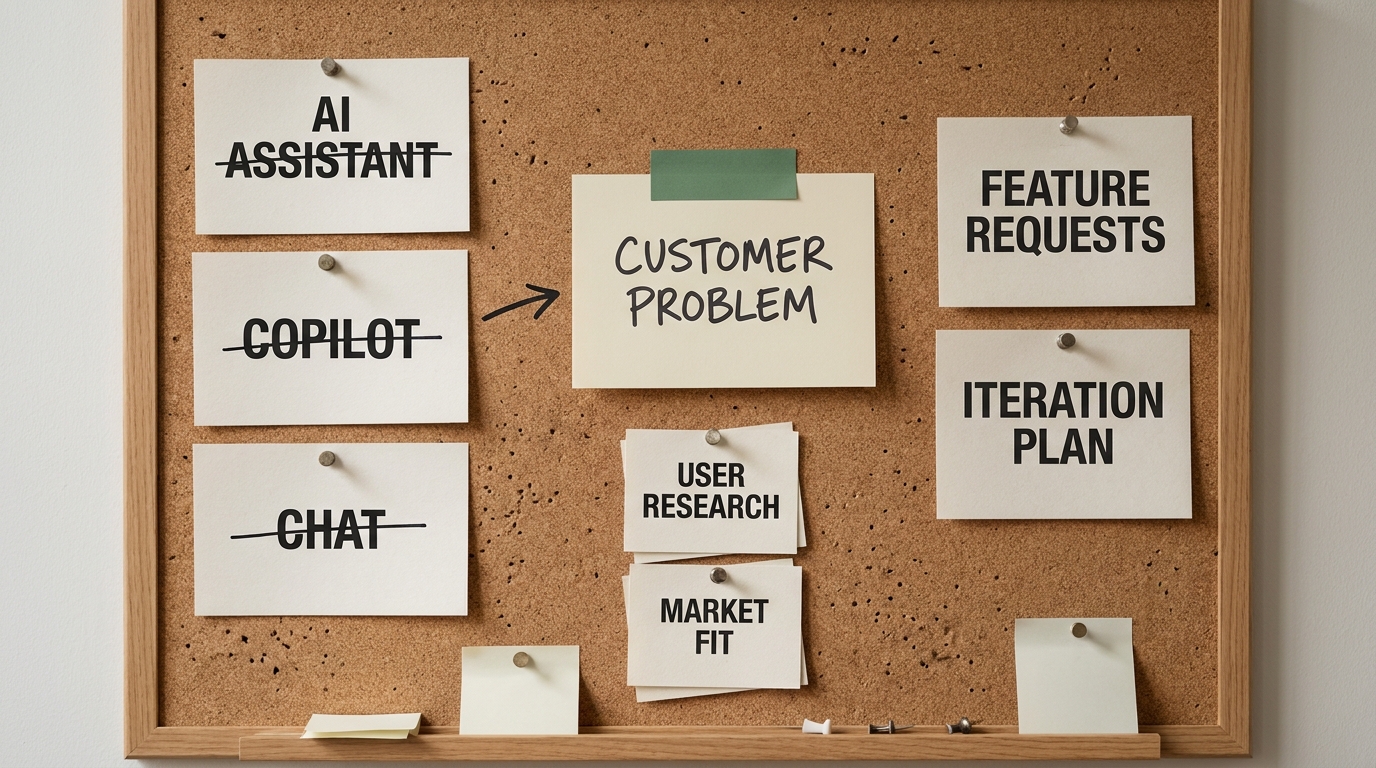
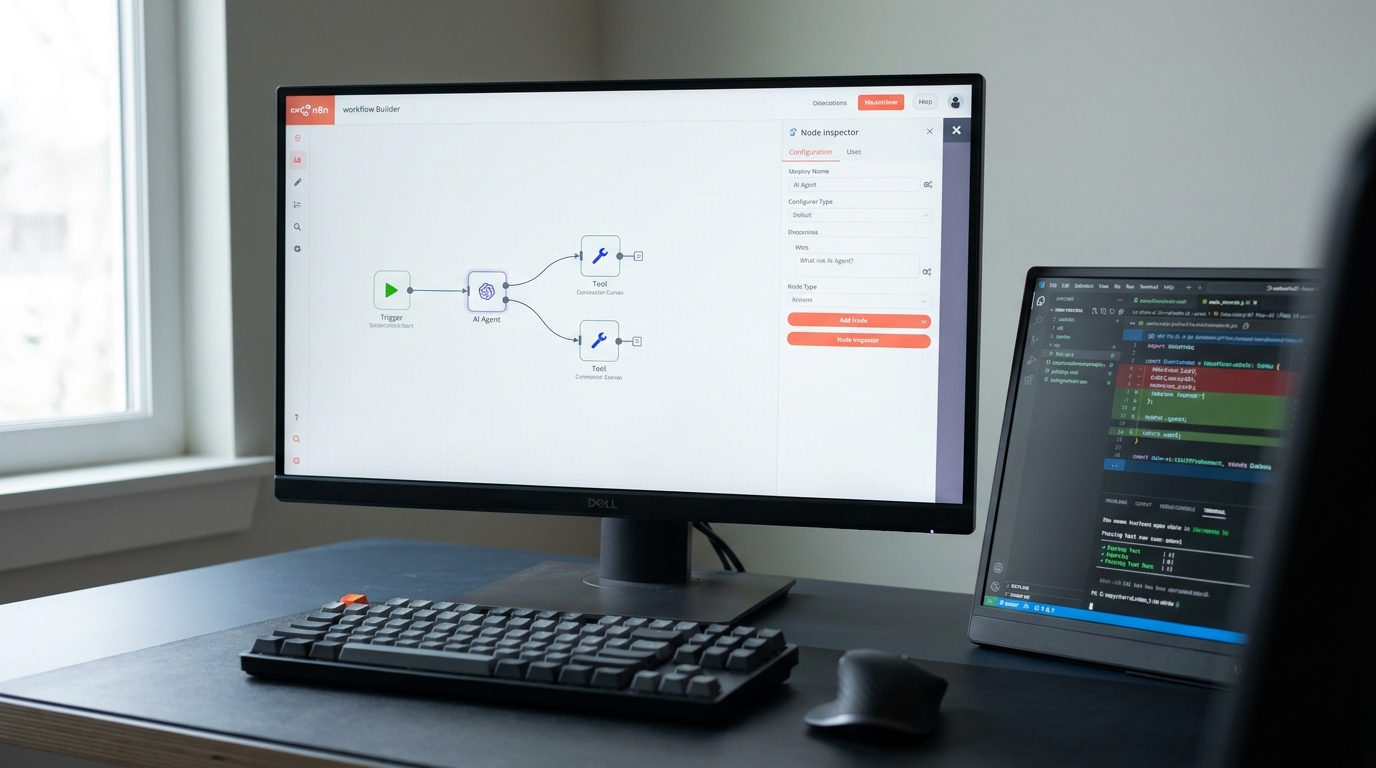
Nothing dramatic happens the day a no-code agent starts carrying real work. That is the problem.
A pilot and a production system ask different questions of the same agent. The pilot asks whether the thing can work at all. Production asks whether it works every time, whether you can prove it worked, whether you can see it when it doesn't, and whether you can change it next quarter without breaking something that matters.
Those are not harder versions of the same question. They are different questions, and the tools that answer the first one brilliantly are not built to answer the second. That gap is where no-code AI agent platforms run out of road, and most teams find it at the worst possible moment: after the agent is already carrying real work.
This is not an argument against no-code. It is an argument about handoffs, and it starts by giving no-code its due.
What no-code agent builders actually get right
Start with the honest case, because it is stronger than most engineering-led commentary admits.
No-code AI agents collapse the distance between an idea and a working thing. A visual builder turns a two-week engineering ticket into an afternoon. That is not a small convenience. It is a different economics of experimentation.
Four strengths are real and worth naming:
- Speed to a working agent. Hours, not sprints. The feedback loop between "what if" and "here is what happened" gets short enough that you actually learn something.
- No engineering queue. The bottleneck in most organizations is not ideas, it is capacity. A platform routes around a backlog that would otherwise kill the experiment before it starts.
- The domain expert builds it. The person who knows why a ticket gets escalated is the person configuring the agent. Requirements do not get lost in translation, because there is no translation.
- Abandonment is cheap. Most automation ideas are wrong. A no-code agent that took a day to build costs almost nothing to delete, which means you can afford to be wrong more often.
The category is serious. Platforms like n8n, Botpress, Voiceflow, Lindy, Gumloop and Relevance AI are competent products built by competent teams, and for a large class of workflows they are the correct and permanent answer. Nothing that follows changes that.
Which is why the ceiling is so hard to see coming.
The pilot-to-production gap nobody sells you
The pilot did not fail. It succeeded on the dimension it was designed to test.
A pilot proves feasibility. It answers "can this workflow be automated by an agent," and when the answer is yes, the natural next thought is that the remaining work is a matter of volume. Turn it on for the whole team. Point it at the real queue.
Production asks a different set of questions, and they arrive all at once:
- Does it produce the right answer on the inputs nobody thought to demo?
- Can you show, six months later, why it made a specific decision?
- If it starts doing something wrong, how long before anyone notices?
- Who is allowed to change it, and what happens when they get it wrong?
- If it misbehaves, what is the worst it can reach?
- Where does the data go, and who else can see it?
None of these are about whether the agent works. They are about whether the organization can carry it. A visual builder is optimized for the first question and largely silent on the rest, which is a reasonable product decision and a real constraint on you.
The six sections that follow are those questions, one at a time, with the mechanism behind each. Read them as diagnostics rather than complaints. Most of them are not feature gaps waiting for a vendor roadmap. They are structural.
Why a successful demo is not evidence
The first barrier is verification, and it surprises operations leaders most, because it contradicts an intuition that works everywhere else in software.
A visual builder gives you a run button. It does not give you a test suite. Those are different things. A run button tells you what happened once. A test suite tells you what happens across a fixed set of representative inputs, including the ugly ones, every time you change something.
Then there is the property that makes agents different from the software your team already knows how to operate: the same input can produce a different output. Agent processes are generated on the fly, so running the same prompt twice can yield different results, sometimes subtly and sometimes dramatically, as BBC R&D (2025) put it in its survey of agent challenges. For creative work that variability is a feature. For an operational workflow it means a single successful run is a sample of one.
This is also why multi-step workflows degrade faster than intuition suggests. Reliability compounds. An agent that gets each step right the overwhelming majority of the time still fails the end-to-end task more often than any individual step would suggest, and the more steps you chain, the wider that gap opens. Testing on the happy path tells you almost nothing about the tail, which is where the expensive failures live.
BBC R&D (2025) draws the practical conclusion plainly: until these systems can guarantee some repeatability, their actions need reviewing and need to be reversible at minimal cost. That is a design requirement, not a disclaimer. Meeting it means golden datasets, regression runs on every change, and alerting when accuracy moves. Very few visual builders offer any of it.
Which raises the harder question. If the agent does start getting things wrong, how would you find out?
Execution histories are not logs
Not from the platform, usually. Not for a while.
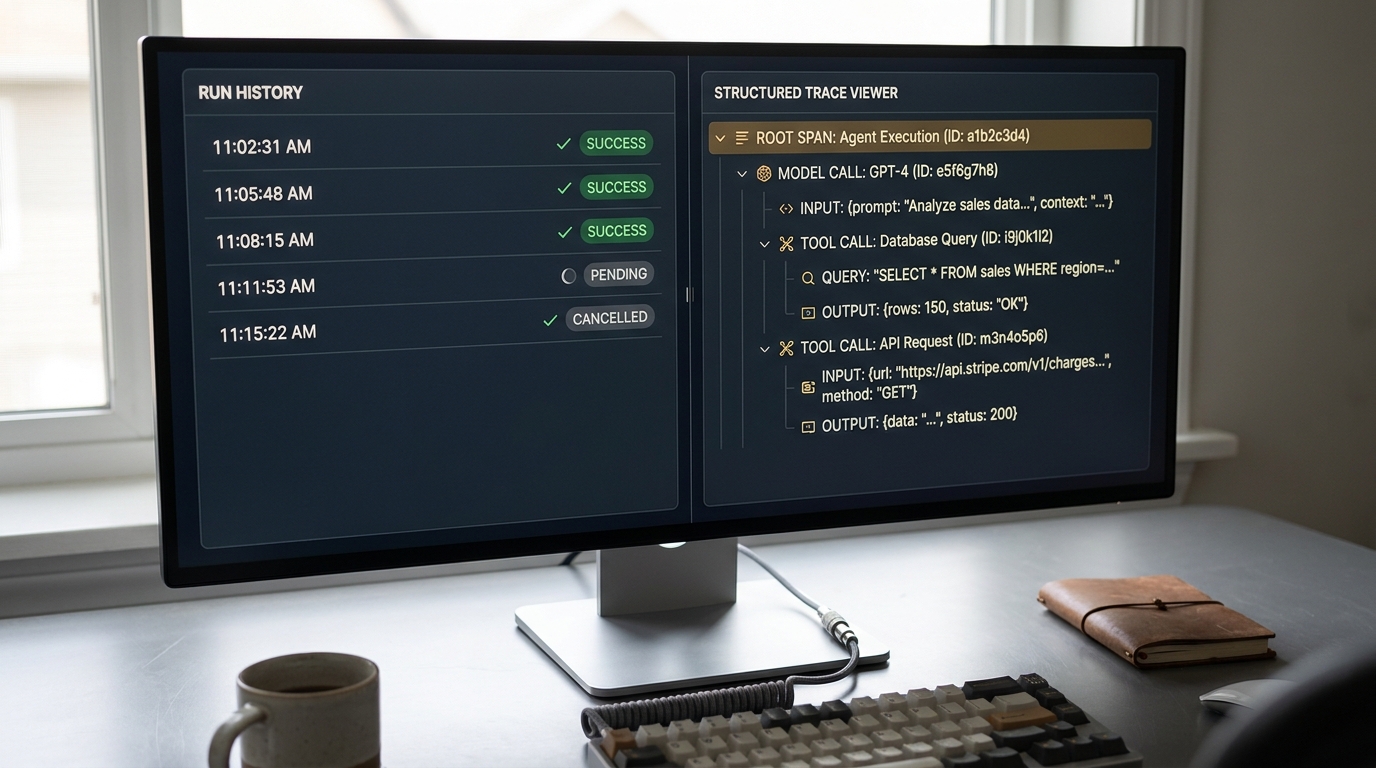
Most platforms give you an execution history. You can open a run, see which nodes fired, and read the output. That is a debugging tool for the person who built the agent, looking at a run from this morning. It is not observability.
Production observability means something more specific:
- Structured traces of every model call and tool call, with inputs and outputs retained, not just a pass or fail per node.
- Retention that outlives the incident. You need the run from March when the dispute lands in November.
- Alerting on drift and anomaly, so a failure that produces plausible-looking output gets caught by a system rather than by a customer.
- Reconstruction, the ability to answer "why did it decide that" for one specific case, with evidence.
The structural reason platforms give you a run history instead is that they were designed around the builder debugging today, not the auditor asking about a decision from two quarters ago. Those are different products with different storage models, and no amount of UI polish converts one into the other.
The failure mode worth fearing is not the loud one. An agent that crashes gets noticed. An agent that silently misroutes a small percentage of cases produces output that looks exactly like correct output, and without traces and alerting, the discovery mechanism is a customer complaint.
Change control on a shared canvas
Three questions, and most teams can answer none of them about an agent that is already live: who changed it last Thursday, what exactly did they change, and can you put it back?
The shared canvas is the mechanism. During a pilot, the fact that anyone on the team can open the builder and adjust a prompt is the entire point. It is what makes iteration fast. In production, that same property means the system of record for your workflow logic is a document with no diffs, no review step, and no rollback.
What engineering discipline adds here is not exotic. It is the boring apparatus that every serious codebase has had for twenty years:
- Diffs, so a change is legible before it ships.
- Review, so no single person can quietly alter what the agent does.
- Staged rollout, so a change meets a slice of traffic before it meets all of it.
- Rollback, so recovery takes minutes and does not depend on someone remembering the previous prompt.
A prompt edit is a production deployment. It changes behavior for every subsequent run. The gap between how it feels (editing a text box) and what it is (shipping to production without review) is where a surprising number of incidents come from.
Security and the size of the blast radius
The fourth barrier is the most consequential, and it needs a reframe to be useful.
The question is not whether an agent will do something you did not intend. The useful question is how much damage it could do if it did. Anthropic (2026) frames agent risk as two components: how likely a failure is, and how much damage one could do. Safeguards and model training drive down the first. The second, the theoretical blast radius, is an architecture problem, and containment is the engineering answer to it.
Three specifics matter for a no-code agent in a business workflow.
Credential scope. A connector authenticates as somebody. If the integration was configured with a broadly permissioned account because that was what made the pilot work, the agent inherits every permission that account has. The scoping question is not what the agent is supposed to do. It is what the agent is able to do.
Write access is action. An agent with write access to a system of record does not recommend, it acts . The gap between a wrong recommendation and a wrong action taken four hundred times before anyone looks is the entire risk.
Prompt injection. This one deserves plain language rather than a name-drop. An agent reads content in order to work: emails, tickets, documents, web pages, database rows. Content it reads can contain instructions, and the agent may follow them. Any untrusted input your agent processes is potentially a channel for someone else to steer it. A vendor cannot patch this away. It falls out of how these systems process language, and the mitigation is architectural, which is to say it lives in permission boundaries rather than in better prompt wording.
Anthropic's Deputy CISO makes the governing point in the company's guidance for security leaders: zero risk is not the job (Anthropic, 2026). The job is deciding, deliberately, how much an agent can reach and what stands between it and the things that matter. A platform can hand you a connector. It cannot make that decision for your environment, because it does not know your environment.
If you are reading this and realizing nobody has scoped what your live agents can technically reach, that is the thing to look at this week, before anything else on this list. A free 30-minute readiness call is enough to map it.
The systems that have no connector
Every no-code platform sells its integration count. Five hundred apps, one thousand apps, a logo wall.
The workflows that actually matter to your business tend to touch the systems that are not on it: the internal tool somebody built in 2014 that three departments depend on, the ERP with a schema customized past recognition, the partner API with an unusual authentication flow, the database that lives on-premise because a contract says it has to.
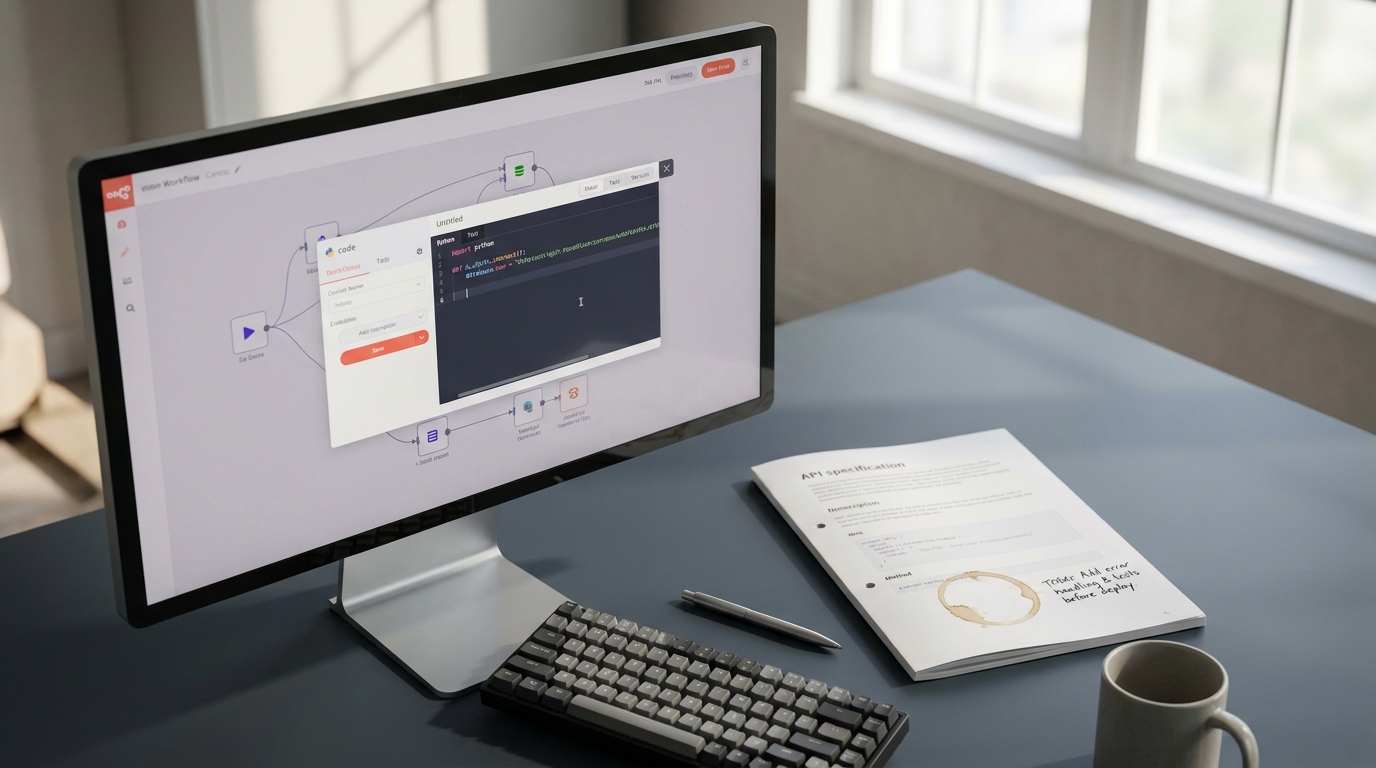
Most platforms do offer an escape hatch. A custom code node, a webhook, a scripting step. And the moment you use it, something has happened that nobody announces: you have written code. You now have code without version control, without tests, without a code review, without local development, without dependency management, and without anyone whose job it is to maintain it. (The person who wrote it is usually the person who leaves.) The escape hatch does not remove the engineering problem. It relocates it somewhere with worse tooling.
The ceiling, then, is not a feature gap that closes with the next release. A visual builder is a visual builder. Once a workflow's integration needs exceed what a node can express, you are doing software engineering either way. The only remaining question is whether you do it with the tools that make software safe.
Confidentiality and where the data actually goes
The sixth barrier is dormant right up until the moment it is absolute.
An agent built on a platform sends your data somewhere: to a model provider, through the platform's infrastructure, into logs and traces held by a vendor. For an internal workflow that summarizes meeting notes, that chain is a footnote. The moment the workflow touches customer personal data, financials, health records, or privileged material, it becomes the first question your legal team asks, and the answers need to be specific.
The questions that need real answers:
- Which model provider processes the data, in which jurisdiction, and does that satisfy your residency obligations?
- What is retained, by the platform and by the model provider, and for how long?
- Is there a data processing agreement that covers the categories of data you are actually sending?
- Do sub-processors change without notice, and would you find out?
BBC R&D (2025) names proprietary resources and data access as first-order constraints on agent deployment rather than administrative details, and that is the right weighting. The practical trigger is easy to state. This barrier does not apply gradually. The workflow either touches regulated or confidential material or it does not, and on the day it starts to, the requirements arrive in full.
Six barriers, then. The question nobody in this market answers is how you tell which of them apply to you.
Six questions that tell you the workflow has crossed the line
Almost every tool-ranking article on this topic contains a sentence like "of course, eventually you will outgrow no-code." Almost none of them say how you would know.
Here is the version that can be answered on a Monday morning. Call it the handoff test. Ask these six questions about one specific workflow, not about your organization in general.
| Question | What a yes means | What to do about it |
|---|---|---|
| Does a wrong output cost money, trust, or compliance standing, rather than five minutes of rework? | The failure mode has left the nuisance category | Add human review at the point of action now, before anything else |
| Does it run without a human checking the result before it takes effect? | Errors reach the world at machine speed | Either insert a checkpoint or invest in real testing and alerting |
| Would you need to reconstruct a specific decision months later for an audit, a dispute, or a customer? | Execution history will not be enough | You need retained structured traces, which means engineering |
| Does it touch confidential, regulated, or contractually restricted data? | The data path is now a legal question | Answer the residency, retention, and processing questions before scaling |
| Does it need to reach a system no connector covers? | You are already writing code, in the worst place to write it | Move that integration into a real codebase |
| Do more than a handful of people depend on it, so a bad edit is an incident rather than an inconvenience? | The canvas is now shared production infrastructure | Version control and review, or restrict who can edit |
A rough way to read your answers, offered as judgment rather than a benchmark:
- None. A healthy no-code workflow. Leave it alone and go build another one.
- One or two. Add controls where the yes landed. Human review, tighter credentials, a written record of who may edit. You are not over the line, but you are close enough to be deliberate.
- Three or more. The workflow has already crossed into engineering territory. The risk is being carried either way. The only choice left is whether it is carried knowingly.
That last point is what most of these conversations miss. Nothing gets safer by staying on the platform. The exposure exists the moment the workflow matters. The decision in front of you is not whether to take on risk, it is whether to keep taking it silently.
What the handoff actually looks like
The reason leaders avoid this decision is usually one specific fear: that the answer is to throw it all away and start again, expensively, with a team that is already busy.
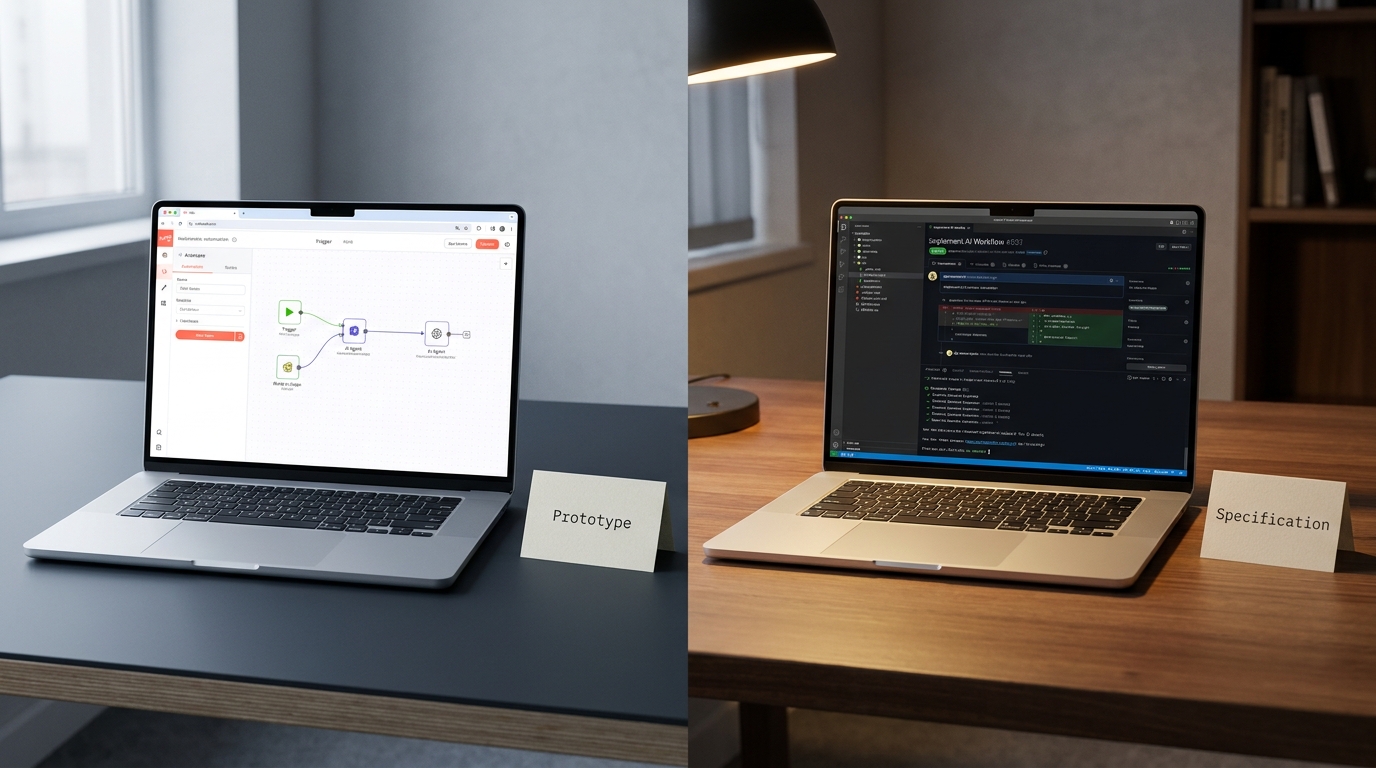
That is not what the handoff looks like.
The no-code agent is not waste. It is the specification. It encodes the workflow logic, every edge case the builder discovered by hitting it, the prompt phrasing that turned out to work, the tool sequence that turned out to be right, and the proof that this automation is worth having. That knowledge is the expensive part. Writing the code around it is the cheap part.
TaskifyLabs (2026), one of the few sources in this space to treat the question seriously, puts it plainly: the prototype was the spec. Engineering inherits it and adds what the canvas could not hold. Tests and a golden dataset. Structured traces and alerting. Version control and review. Scoped credentials and a bounded blast radius. Real integrations with the systems that have no connector.
Then the part that keeps this honest, and it matters as much as everything above.
Some workflows should stay on no-code permanently. Internal, low-stakes, low-volume, non-confidential, human-reviewed work belongs exactly where it is. Migrating it to a codebase would spend engineering time to make something slower to change and no safer, which is a bad trade dressed up as rigor. The team that rebuilds its meeting-notes summarizer in Python has not matured, it has wasted a sprint.
The goal is a portfolio with a deliberate line drawn through it, where everyone knows which side each workflow sits on and why.
Key takeaways
- No-code AI agent platforms are excellent at proving a workflow can be automated, and that is a valuable job. The ceiling is not about capability, it is about what production demands after feasibility is settled.
- The six barriers are testing, observability, change control, blast radius, integration reach, and confidentiality. Most are structural to a visual builder rather than features awaiting a roadmap.
- Non-determinism is the barrier most often underestimated. One successful run is a sample of one, and reliability compounds downward across multi-step workflows.
- The escape-hatch code node is the clearest signal of all. Once you are writing code inside the canvas, you are doing software engineering without the tooling that makes it safe.
- Run the handoff test per workflow. Three or more yeses means the risk is already being carried, and the only open question is whether it is being carried knowingly.
- The prototype is the specification, not wasted work. And the workflows that should stay on no-code should genuinely stay there.
Where to start
If you can name two or three workflows that would answer yes three times over, you do not need a platform migration. You need a clear-eyed inventory of which agents are carrying real risk , what each one can technically reach, and what it would take to move only the ones that warrant it.
AI Transformation Discovery is a one-week sprint that produces exactly that: an audit of your current agent portfolio, the handoff line drawn workflow by workflow, and a concrete roadmap for the ones that need engineering discipline.